What Can You Play Minecraft On? A Platform Guide
See which PCs, consoles, phones, and tablets can run Minecraft.
Which Platforms Can You Play Minecraft On?
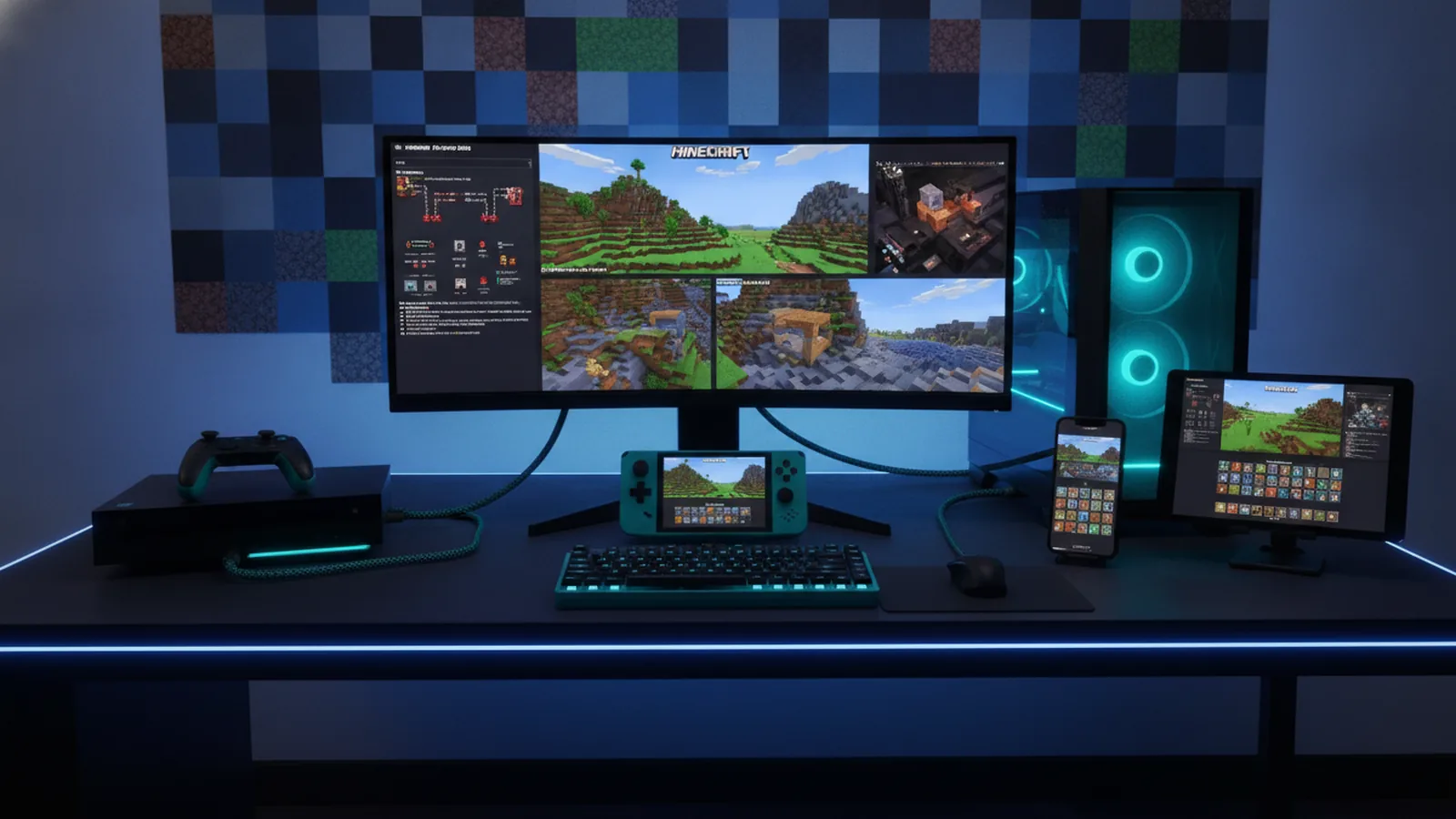
If you ask what can you play Minecraft on, the short answer is PC, consoles, phones, and tablets. Minecraft runs on Windows, macOS, Xbox, PlayStation, Nintendo Switch, iPhone, iPad, and Android devices.
The best choice depends on your device, friends, and preferred game features. PC players can choose between Java Edition and Bedrock Edition. Console and mobile players use Bedrock Edition.
Microsoft publishes the current platform list through its official Minecraft platform guide. Each version offers the core loop of mining, crafting, building, and survival.
- Windows PC supports Java Edition and Bedrock Edition.
- Mac and Linux computers support Java Edition.
- Xbox, PlayStation, and Switch support Bedrock Edition.
- iOS and Android devices support the mobile Bedrock app.
So, what can I play Minecraft on? You have many choices. The right answer often starts with the device you already own.
Playing Minecraft on a PC
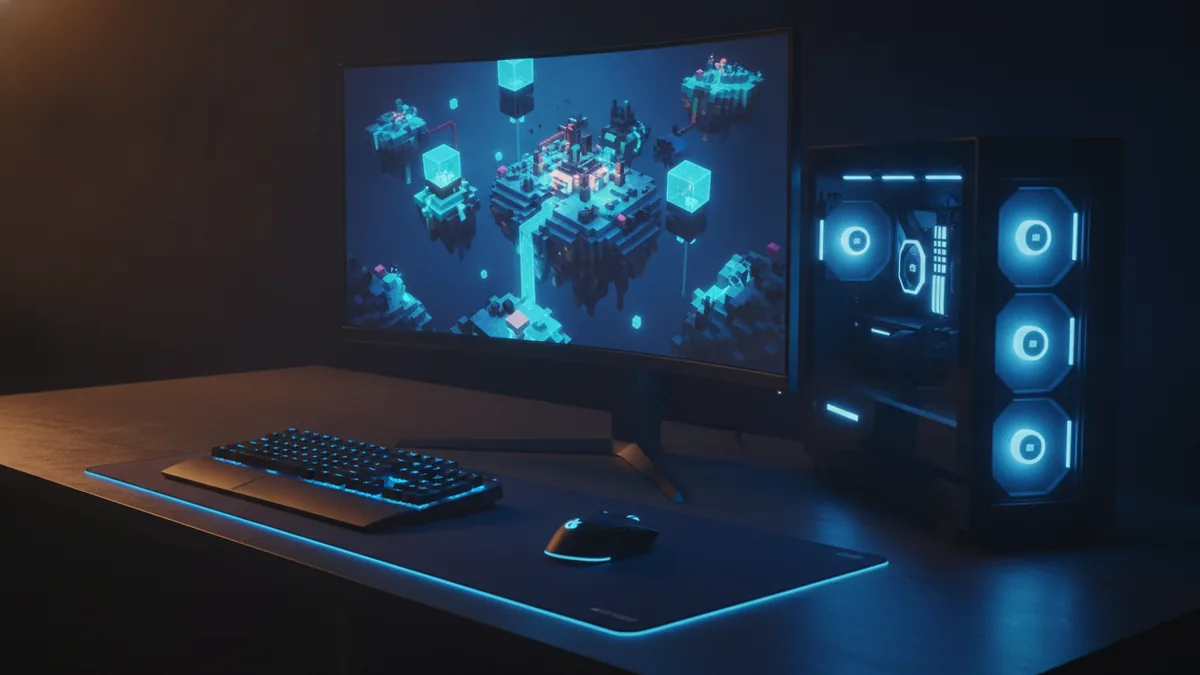
PC gaming gives you the widest choice. Windows supports both Minecraft Java Edition and Minecraft Bedrock Edition. The two versions share many core features, but they are not identical.
Java Edition works on Windows, macOS, and Linux. It supports a large mod scene and many custom server tools. Java players also tend to find more community-made maps, shaders, and add-ons.
Bedrock Edition runs on Windows through the Minecraft Launcher. It connects with consoles and mobile devices for cross-platform play. Bedrock also supports marketplace content and many built-in features.
| Edition | Best known for | Works with |
|---|---|---|
| Java Edition | Mods, custom servers, and PC play | Windows, macOS, Linux |
| Bedrock Edition | Cross-play and broad device support | Windows, consoles, iOS, Android |
Windows players can often access both editions through one purchase. Check the store listing before buying. Older accounts may show different access rules.
PC play also gives you more control over settings. You can change render distance, graphics, controls, and memory use. A mouse and keyboard can help with building and combat.
Playing Minecraft on Xbox, PlayStation, and Switch
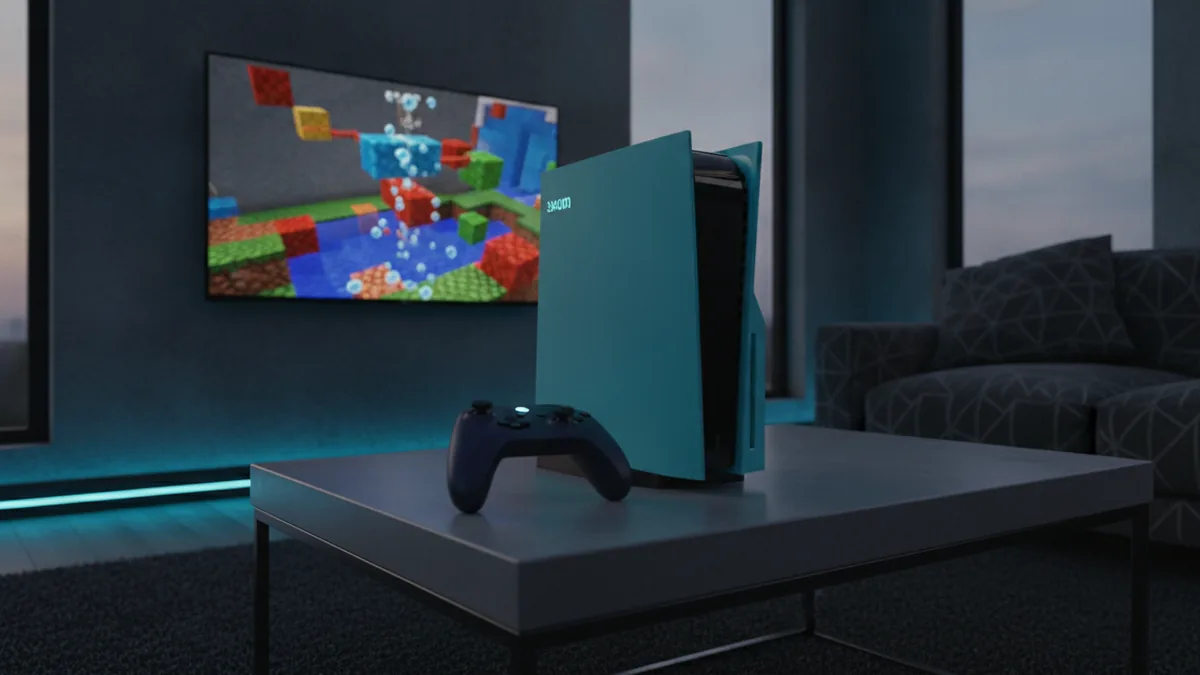
Console players use Bedrock Edition. Minecraft is available on Xbox Series X|S and Xbox One. It is also available on PlayStation 5 and PlayStation 4.
Nintendo Switch also runs Bedrock Edition. The Switch version supports handheld, tabletop, and docked play. Storage space and system power can affect loading times.
Each console needs the matching digital store or game disc. You may also need an online console plan for some multiplayer features. The exact plan depends on the console maker.
- Xbox Series X|S offers fast loading and strong frame rates.
- Xbox One can run Minecraft, but older hardware may load worlds slower.
- PlayStation 4 and PlayStation 5 support online Bedrock multiplayer.
- Nintendo Switch lets you play at home or away from a TV.
Console players can join friends on other Bedrock devices. They must use compatible versions and online accounts. Platform rules can still limit voice chat or online access.
Game Pass members may find Minecraft included in their plan. Check the current Xbox listing before you rely on that access. Plans and game catalogs can change.
Playing Minecraft on Phones and Tablets
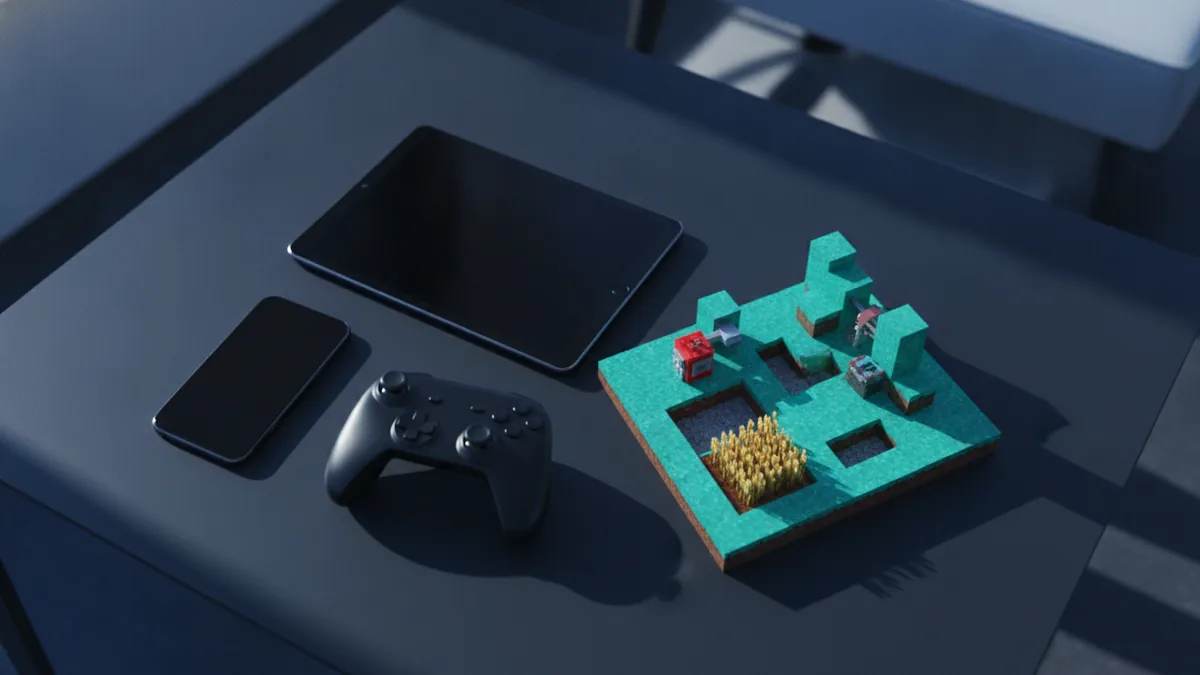
Mobile devices support Minecraft through apps for iOS and Android. The app uses Bedrock Edition. You can download it through the Apple App Store or Google Play.
Mobile play suits short sessions and portable gaming. Touch controls handle movement, mining, placing blocks, and menus. A Bluetooth controller can offer more precise input.
Before buying, check your device software and free storage. Older phones may run the game, but large worlds can feel slow. Newer chips usually handle higher view settings with fewer stutters.
- iPhone and iPad devices use the iOS or iPadOS app.
- Android phones and tablets use the Google Play app.
- Mobile players can join Bedrock worlds and Realms.
- Offline play works after the game and world finish loading.
Mobile players can use a Microsoft account for online features. Sign in before joining friends or accessing shared worlds. Local device limits still affect game speed.
Parents should review purchase and chat settings before online play. Marketplace packs may add extra costs. A stable Wi-Fi link helps with shared worlds.
How Cross-Platform Play Works
Cross-platform play lets players on different devices share one Bedrock world. An Xbox player can join a friend on Switch, PlayStation, Windows, iPhone, or Android. Both players need compatible game versions.
Java Edition does not normally play with Bedrock Edition. A Java player and a console player need different server setups. Most new players should choose Bedrock when device mixing matters.
Online play uses several server options. Minecraft Realms gives you a private world hosted by Mojang. You can invite friends without running your own server.
Community servers offer larger worlds and special game modes. These servers may include survival hubs, mini-games, or player shops. Rules, safety, and access can vary between servers.
| Multiplayer choice | Good for | Main need |
|---|---|---|
| Friends tab | Joining a friend’s active world | Compatible Bedrock version |
| Realms | A private shared world | Subscription and online access |
| Community server | Large public worlds and mini-games | Server address and account access |
The official Minecraft multiplayer safety guidance explains key account and online play controls. Use trusted servers and review chat tools before inviting younger players.
Performance Differences Between Devices
Performance depends on hardware, game settings, and world size. A new PC or console can load chunks faster than an older phone. Render distance has one of the largest effects on frame rate.
Large worlds can also take more time to load. Redstone machines, farms, mobs, and crowded areas add work for the device. Bedrock may feel smoother on weaker hardware, but results still vary.
Lower settings can improve play on older systems. Reduce render distance first. Then lower graphics effects if the game still stutters.
- Close other apps before starting a long session.
- Keep enough free storage for worlds and updates.
- Use a strong Wi-Fi signal for online multiplayer.
- Lower view distance on older phones and consoles.
- Keep the game and device software up to date.
Java Edition can use mods and shaders that need extra power. Bedrock marketplace packs can also affect load times. Test one change at a time to find a stable setup.
There is no single best device for everyone. Choose PC for control, console for simple setup, or mobile for portability. Your friends’ devices may settle the choice.
Choosing the Right Way to Play Minecraft
What do you play Minecraft on? If you want mods, Java Edition on PC is the clear fit. If you want friends on many devices, Bedrock Edition is usually easier.
Consoles provide simple controls and a comfortable living-room setup. Phones and tablets provide quick access during travel. PC offers the most room for custom settings and add-ons.
Think about multiplayer before you buy. Ask which edition your friends use. Then check online access, storage, and device power.
- List the devices you already own.
- Check which Minecraft edition each device supports.
- Match your choice to your friends’ edition.
- Review online access and server needs.
- Adjust graphics after your first play session.
Minecraft is easy to start on nearly any modern gaming device. The platform changes the controls, features, and speed. The core adventure stays familiar.
Conclusion
Minecraft can be played on PC, Xbox, PlayStation, Nintendo Switch, iOS, and Android. PC users can choose Java Edition or Bedrock Edition. Other listed devices use Bedrock Edition.
Cross-platform play makes Bedrock useful for mixed-device groups. Realms and community servers add more ways to play together. Your hardware then shapes loading times and graphics quality.
Start with the device that fits your group and play style. You can always change platforms later. Your worlds and account choices may affect that move.
Frequently asked questions
- What can you play Minecraft on?
- Minecraft is available on Windows PC, Xbox, PlayStation, Nintendo Switch, iOS, and Android. Mac and Linux support Java Edition.
- What can I play Minecraft on with friends?
- You can play Minecraft on a PC, console, phone, or tablet. The best choice depends on your edition and friends.
- What do you play Minecraft on for mods?
- Java Edition runs on Windows, macOS, and Linux. Bedrock Edition runs on Windows, consoles, iOS, and Android.
- Can Minecraft players on different devices play together?
- Yes, Bedrock players on supported devices can play together online. Java and Bedrock players do not normally share servers.
- What servers can you use for Minecraft multiplayer?
- Minecraft Realms provides a private shared world. Community servers offer public worlds, mini-games, and special game modes.
- Which device runs Minecraft best?
- Performance depends on hardware, settings, world size, and network quality. Lowering render distance can help older devices.
Related reading
Can You Play Minecraft on a Tablet?
See which tablets run Minecraft and what to check before you play.
How Do You Grow Mushrooms in Minecraft?
Plant a mushroom, use bonemeal, and harvest giant mushroom blocks.
How Do You Find Copper in Minecraft?
Find copper ore, mine it with the right pickaxe, then smelt it into ingots.