How Do You Sleep in Minecraft?
Learn how beds work, skip the night, and fix sleep problems in Minecraft.
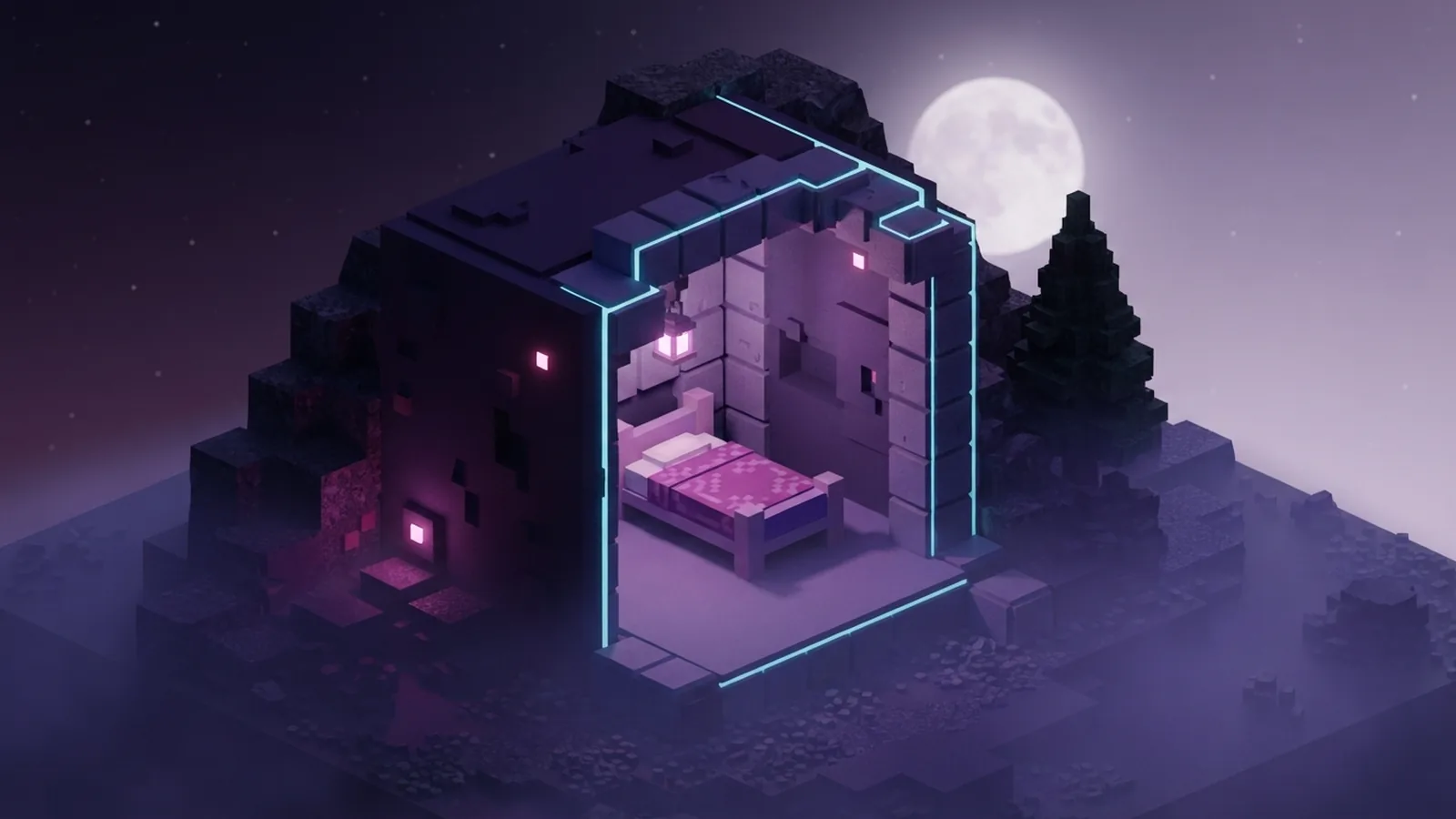
To sleep in Minecraft, find or craft a bed at night. Then use the bed with the right mouse button. Your character will rest and the game will move to morning. If you see a message about nearby monsters, move away from danger and try again.
A bed needs three wool blocks and three wooden planks. Bed color does not change how it works. Every bed uses the same sleep rules, whether it is white, blue, red, or another color.
Understanding How Sleep Works
Players can sleep only during the night. You can also use a bed during a thunderstorm. During the day, the bed will not start the sleep action. The game will tell you that you can sleep only at night.
Sleep advances the world to the next morning. It also resets your personal spawn point to that bed. This point matters after death. You can return near the bed instead of your first world spawn.
The night lasts for several minutes of real time. A bed lets you skip most of that wait. It also reduces the time that hostile monsters have to appear near your base.
- Night is the normal time for sleeping.
- A bed sets your new return point.
- Sleeping moves the world to morning.
- Bed colors have no effect on sleep.
How to Sleep in Minecraft
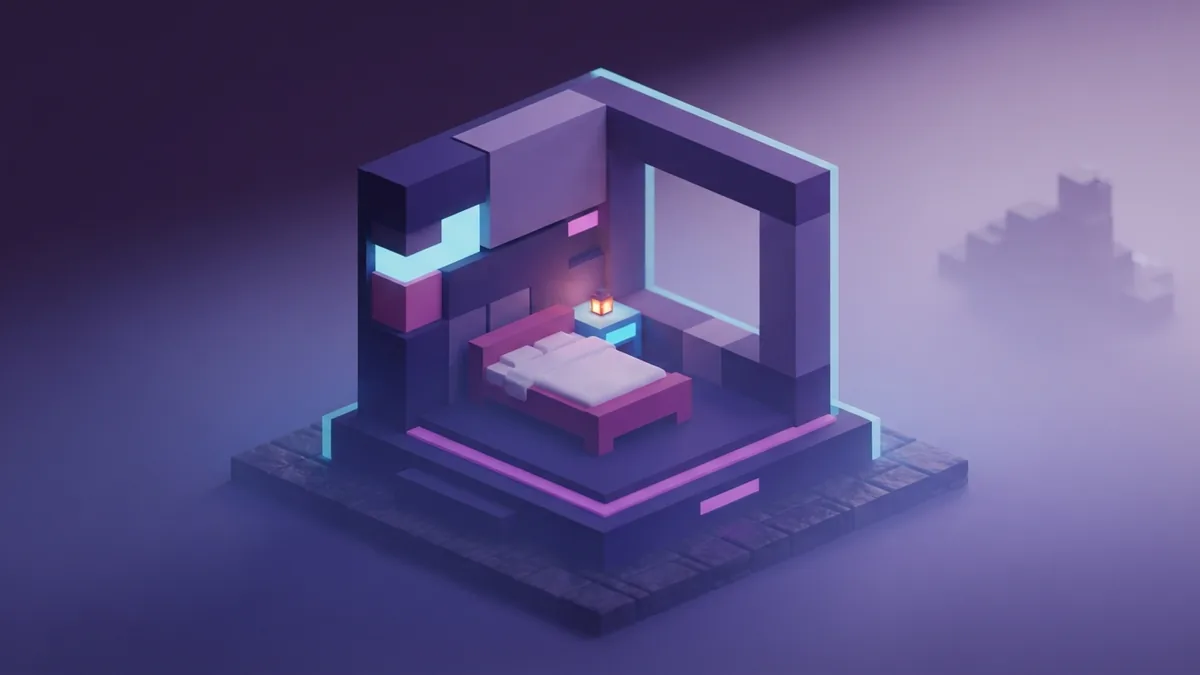
First, find a bed in a village or craft one yourself. A village bed can save early resources. You can also break and move it to a safer room.
Next, wait until night begins. Stand close to the bed and use it. On a computer, this means right-clicking the bed. On a console or mobile device, use the button shown for the use action.
- Place the bed on two clear blocks.
- Wait until the game reaches night.
- Stand beside the bed.
- Use the bed to begin sleeping.
- Wait for the morning screen to end.
The bed needs room for your character to use it. Place it on solid ground with open space near its sides. A small room with a door, roof, and light works well for a first shelter.
If you play with others, one player may need to sleep before morning arrives. On many multiplayer worlds, the host can set a sleep percentage. That rule changes how many players must use a bed.
Why Sleeping Helps in Survival
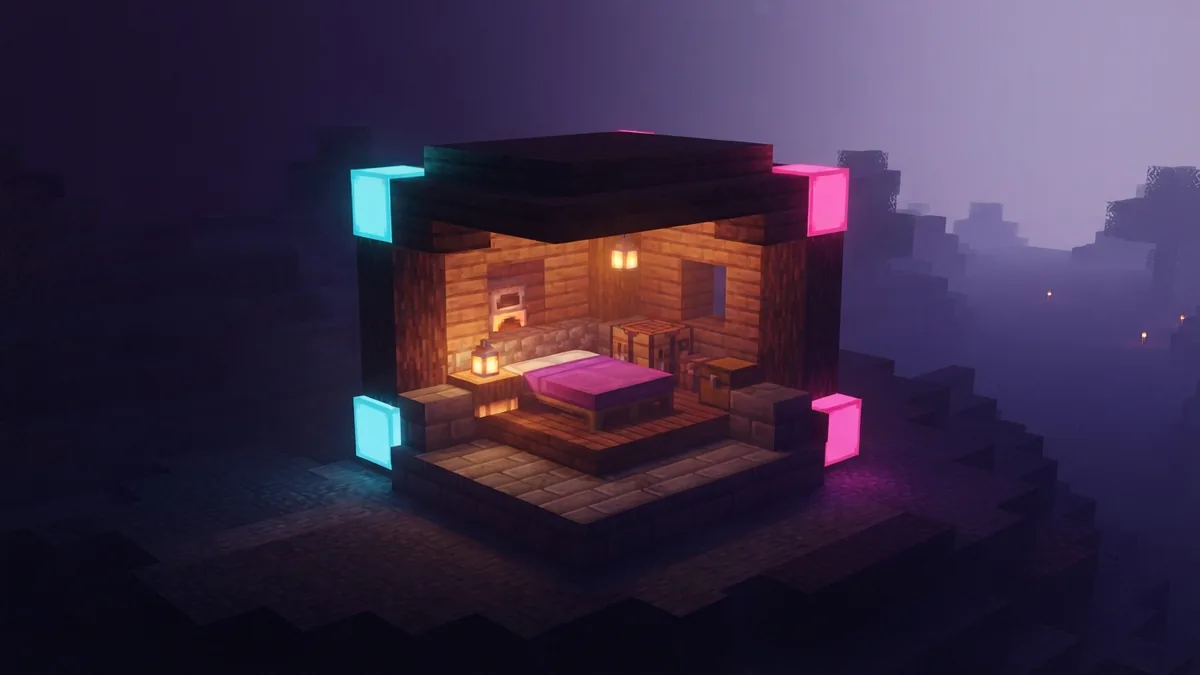
The main benefit is safety. Monsters spawn in dark areas during the night. They can gather outside your shelter or enter through an open door. Sleeping ends the night before most of these threats become a problem.
Sleep also saves time. You can spend the day mining, farming, building, or exploring. You do not need to wait in a small shelter until daylight returns.
A bed gives you a useful respawn point. Place one inside your base after you move away from the world spawn. If you die, you can resume near your supplies and work area.
Sleep before long trips
Use a bed before leaving home on a risky trip. This sets your return point at the latest safe location. Carrying a spare bed can help during travel, but do not sleep in unsafe places.
Sleeping does not remove every danger. It does not protect you from falls, lava, or poor building choices. It only changes the time and sets your return point.
Fixing “Can’t Sleep” Problems
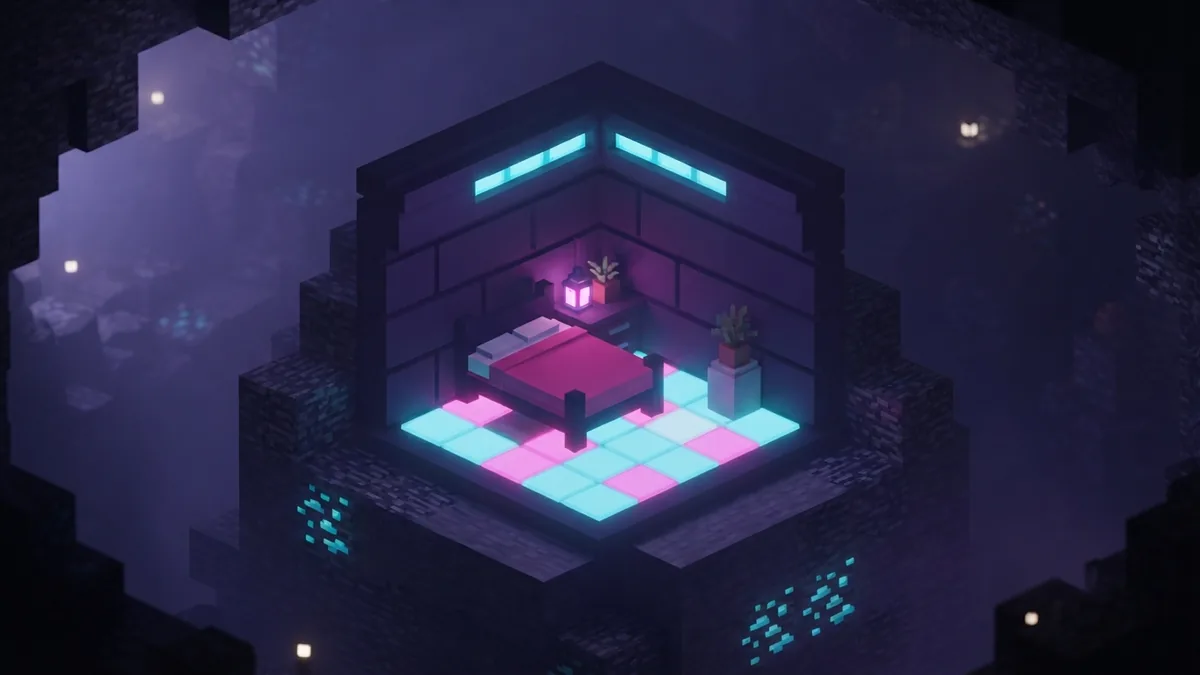
Many players search for “can t sleep minecraft” after seeing a warning. The most common cause is simple. It is still daytime, so the bed cannot start the sleep action.
Another cause is a nearby hostile monster. The game blocks sleep when a monster stands too close to the bed. Move into a sealed room, close the door, and check nearby caves or dark corners.
The bed may also be blocked. Break nearby blocks if your room is cramped. Leave clear space around the bed, then try using it again.
| Problem | What to check |
|---|---|
| It is too early | Wait for night or a storm |
| Nearby monsters | Light the room and seal openings |
| Blocked bed | Clear space around the bed |
| Bed is missing | Place a new bed on solid blocks |
| Bed exploded | Use a different world dimension |
A bed can explode in the Nether and the End. Do not use one there. Those dimensions do not follow the normal Overworld sleep rules. Use a safe Overworld base for sleeping.
If the game says your bed is missing or obstructed, check its position. The bed may have been mined, moved, or covered by another block. Replace it, then use it once at night.
Smart Bed Strategies for New Players
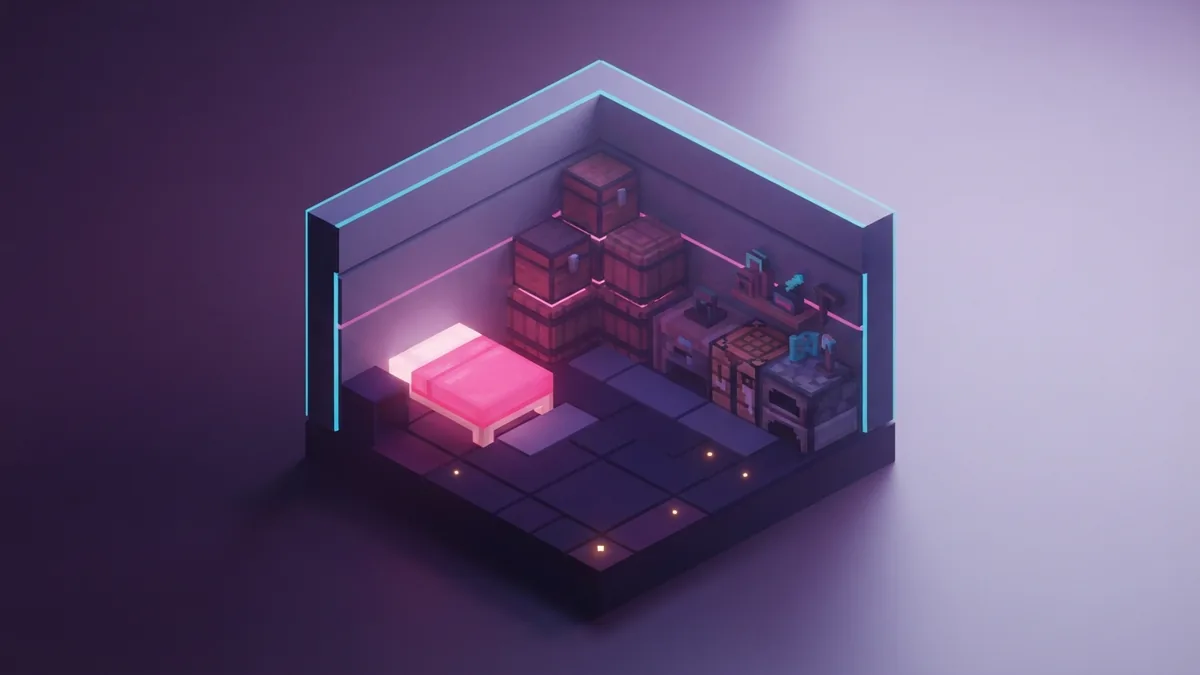
Craft a bed as soon as you can. You need three wool blocks and three wooden planks. Place the three wool blocks in one row. Put the three planks in the row below them.
Sheep provide wool when you find them. You can also use string from spiders to make wool. Keep the bed inside a lit shelter, not in an exposed field.
Use a short night routine. Return home before darkness, store valuable items, and check the room. Then sleep as soon as the bed becomes usable. This lowers the chance of a surprise attack.
For larger bases, place beds in a protected sleeping room. Keep doors closed and add light near entrances. A bed near storage and tools makes daily work faster.
Bed colors and building plans
Choose any bed color that fits your build. Color affects looks only. It does not change sleep time, safety, spawn rules, or bed strength.
You can dye wool before crafting a bed. This helps mark rooms in a large base. A colored bed can show a guest room, travel kit, or personal space.
The answer to “minecraft can t sleep” is usually a timing or safety issue. Check the night, the room, and the bed position first. These three checks solve most sleep problems.
Once you know how to sleep in Minecraft, nights become easier to manage. Craft one bed, place it in a safe room, and use it before risky work. Morning gives you a fresh start and a safer path forward.
Step-by-step
- 01 Find or craft a bed
Find a bed in a village or craft one with three wool blocks and three wooden planks. Place it inside a safe shelter.
- 02 Wait for night
Use the bed after night begins. A bed will not start sleep during normal daytime.
- 03 Check the room
Remove nearby threats and clear space around the bed. Close doors and light dark areas.
- 04 Use the bed
Stand beside the bed and use it. Right-click on a computer, or use the matching button on another device.
- 05 Wake at morning
Wait for the sleep screen to finish. The world will move to morning, and the bed will set your respawn point.
Frequently asked questions
- How do you sleep in Minecraft?
- Find a bed at night and use it. On a computer, right-click the bed. Other devices use their normal use button.
- Why can’t I sleep in Minecraft?
- It may be daytime, or a hostile monster may be nearby. Check the room for danger and clear space around the bed.
- How do you make a bed in Minecraft?
- Use three wool blocks and three wooden planks. Place the wool in one row and the planks below it.
- Do different bed colors change sleep in Minecraft?
- No. Every bed color has the same sleep rules and the same gameplay effects.
- What happens when you sleep in Minecraft?
- The game moves to the next morning. The bed also becomes your new respawn point.
- Can you sleep in the Nether or the End?
- No. Beds explode in those dimensions. Sleep in the Overworld instead.
Related reading
How Do You Grow Mushrooms in Minecraft?
Plant a mushroom, use bonemeal, and harvest giant mushroom blocks.

How Do You Find Copper in Minecraft?
Find copper ore, mine it with the right pickaxe, then smelt it into ingots.

How Many Blocks Are in Minecraft?
Learn how block counts, chunks, maps, distance, and fill commands work in Minecraft.