Why Isn’t Minecraft on Steam?
Why Minecraft skips Steam, where to buy it, and how to fix launch problems.
Where Minecraft is available on PC
Minecraft is not sold through Steam. On PC, players can get it from the official Minecraft site or the Microsoft Store. The Minecraft Launcher is the main place to install and start supported editions.
The Windows bundle includes Java Edition and Bedrock Edition. Check the store listing for details before you buy, since options can vary by device. If you already own the game, sign in with the Microsoft account linked to your purchase.
Steam has a huge library, but not every PC game is sold there. A game can be popular without being available in every store. Minecraft is still available on PC through its official channels.
Use a trusted seller and the right account. That avoids many common purchase and sign-in snags.
For current edition and purchase details, check the official Minecraft PC store listing.
Why isn’t Minecraft on Steam?
People often search “why isnt minecraft on steam” because they want their PC games in one library. Steam also lets users pay with Steam Wallet funds. Those are handy features, but Minecraft is not listed for sale there.
Microsoft owns Minecraft and controls its sales and support. That may shape where the company sells the game. Microsoft has not given one stated reason that fully explains why Minecraft is absent from Steam.
Steam hosts games from many studios and publishers. Some popular titles are sold through a publisher’s own store or launcher instead. This is a choice about game distribution, not proof that a game is exclusive to one device.
You can add the Minecraft Launcher to Steam as a non-Steam game. This can make it easier to launch from your library. It does not make Minecraft a Steam purchase or add Steam Wallet payment, Steam updates, or every Steam feature.
That distinction matters. The shortcut starts a program, while the purchase and game updates still come from their usual source.
Where to buy Minecraft for PC
For a new PC purchase, start with the official Minecraft site or the Microsoft Store. Read the listing to confirm the edition and device fit your needs. Avoid unknown key sellers, since a key may be invalid or meant for another region.
After buying the game, install the Minecraft Launcher and sign in with the account that owns it. Pick Java Edition or Bedrock Edition in the launcher, then install that edition. If the game came from the Microsoft Store, use the same account in both places.
To add the launcher to Steam, open Steam’s games menu and choose the option to add a non-Steam game. Select the launcher from the list or browse to its file. The exact steps can vary with your Steam version.
This only adds a shortcut. You still need the official launcher to manage the game and its updates.
- Buy through an official store.
- Check the edition before purchase.
- Use the owning Microsoft account to sign in.
- Treat a Steam shortcut as a launch option, not a Steam copy.
How to fix Minecraft when it will not open
If you are asking “why isnt minecraft opening,” start with the simple checks. Restart your PC, open the launcher directly, and look for an update. A stuck launcher, wrong account, or partial update can stop the game before it starts.
Test one change at a time. This makes it easier to tell which fix helped. Start with a clean game profile before changing advanced settings.
- Check your account. Sign out of the launcher, then sign in with the account that owns Minecraft.
- Update the launcher. Get the latest version from the official store or site you used.
- Turn off add-ons. Disable mods and custom resource packs, then try the unmodified game.
- Restore Java settings. For Java Edition, reset the Java path and memory limit if you changed them.
- Repair the app. In Windows settings, find Minecraft Launcher and use Repair if that option appears.
- Update your graphics driver. Get the driver from your PC or graphics card maker.
Java Edition relies on Java parts managed by its launcher. Most players should keep the default setup. Avoid random Java downloads or system path changes unless you know they are needed.
If a clean profile opens but a modded one does not, check each mod’s game version. Remove old mods before testing new ones. Mods can stop working after a game update.
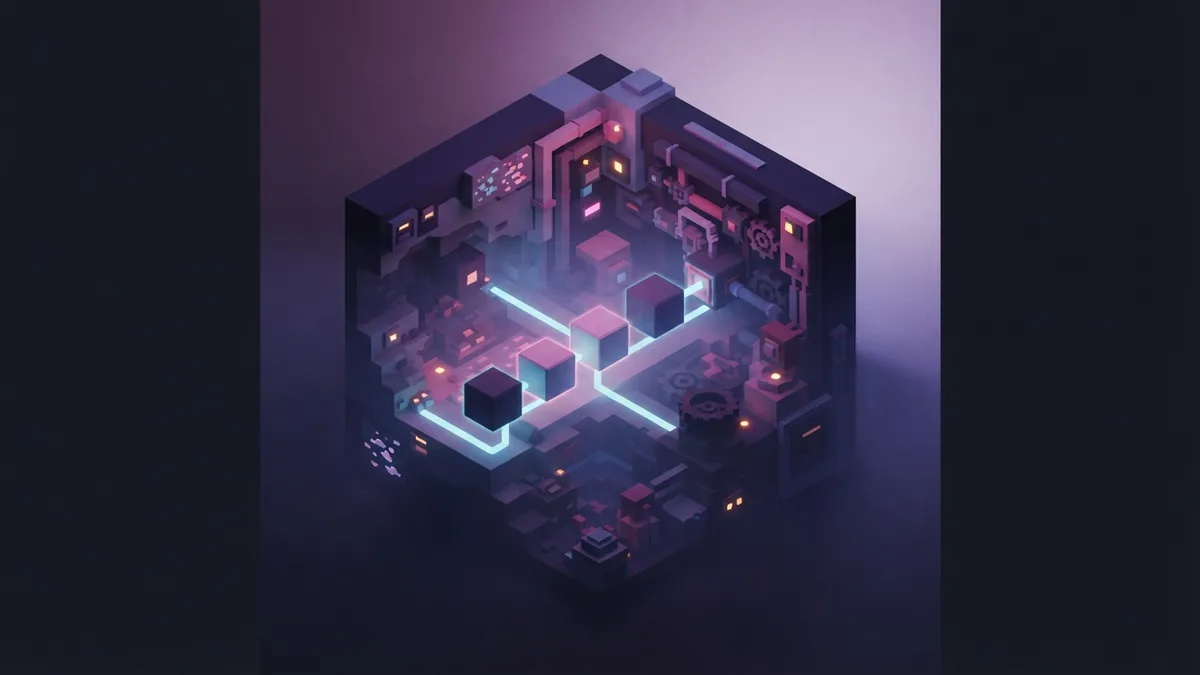
Common Minecraft problems and fixes
If Minecraft opens and then closes, note when it happens and any error message. A recent mod, shader, or resource pack may be at fault. Move the add-ons out of the game folder, then test a fresh profile.
If the launcher says you do not own the game, check your Microsoft account and purchase history. A second account can make a valid purchase seem missing. Sign out and back in before reinstalling the game.
When a Microsoft Store download stalls, restart Windows and try again. Check for free disk space and pending Windows updates. You can also use the Store app’s repair option for the launcher.
For slow play, lower the video settings and close other demanding apps. If the game began running poorly after a driver update, check for a newer driver from your device maker. Make one change, then test the same world again.
Still asking “why isnt minecraft working”? Write down the edition, launcher error, and changes made before the issue began. That detail can help narrow the cause. If the problem continues, use official Minecraft support rather than downloading an unknown repair tool.
Frequently asked questions
- Why isn’t Minecraft on Steam?
- Microsoft owns Minecraft and chooses where to sell and support it. The company has not stated one specific reason for not listing it on Steam.
- Can I add Minecraft to my Steam library?
- Yes. You can add the Minecraft Launcher as a non-Steam game. This creates a shortcut, but does not give you Steam ownership or Steam Wallet support.
- Where can I buy Minecraft for PC?
- You can buy Minecraft for PC from the official Minecraft site or the Microsoft Store. Check the listing to confirm the edition and device fit.
- Why isn’t Minecraft opening on my PC?
- A launcher issue, account mismatch, update, mod, or changed Java setting can stop the game from opening. Update the launcher and test a clean profile first.
- What should I do if Minecraft says I do not own it?
- Check that you signed in with the Microsoft account linked to your purchase. Review your purchase history, then sign out and back in.
Related reading
How Do You Feed a Dog in Minecraft?
Feed a tamed wolf meat to heal it, and use the right control for your device.
What Level Does Gold Spawn in Minecraft?
Mine near Y-level 16, then check badlands, caves, and the Nether.
How to Choose a Minecraft Multiplayer Server: Survival, PvP and Peaceful Building
A practical decision guide to picking a Minecraft server that fits how you play — survival, competitive PvP or calm building.