How to Make Backpacks in Minecraft: Carry More
Learn which Minecraft backpacks work, how to craft them, and how to manage their storage.
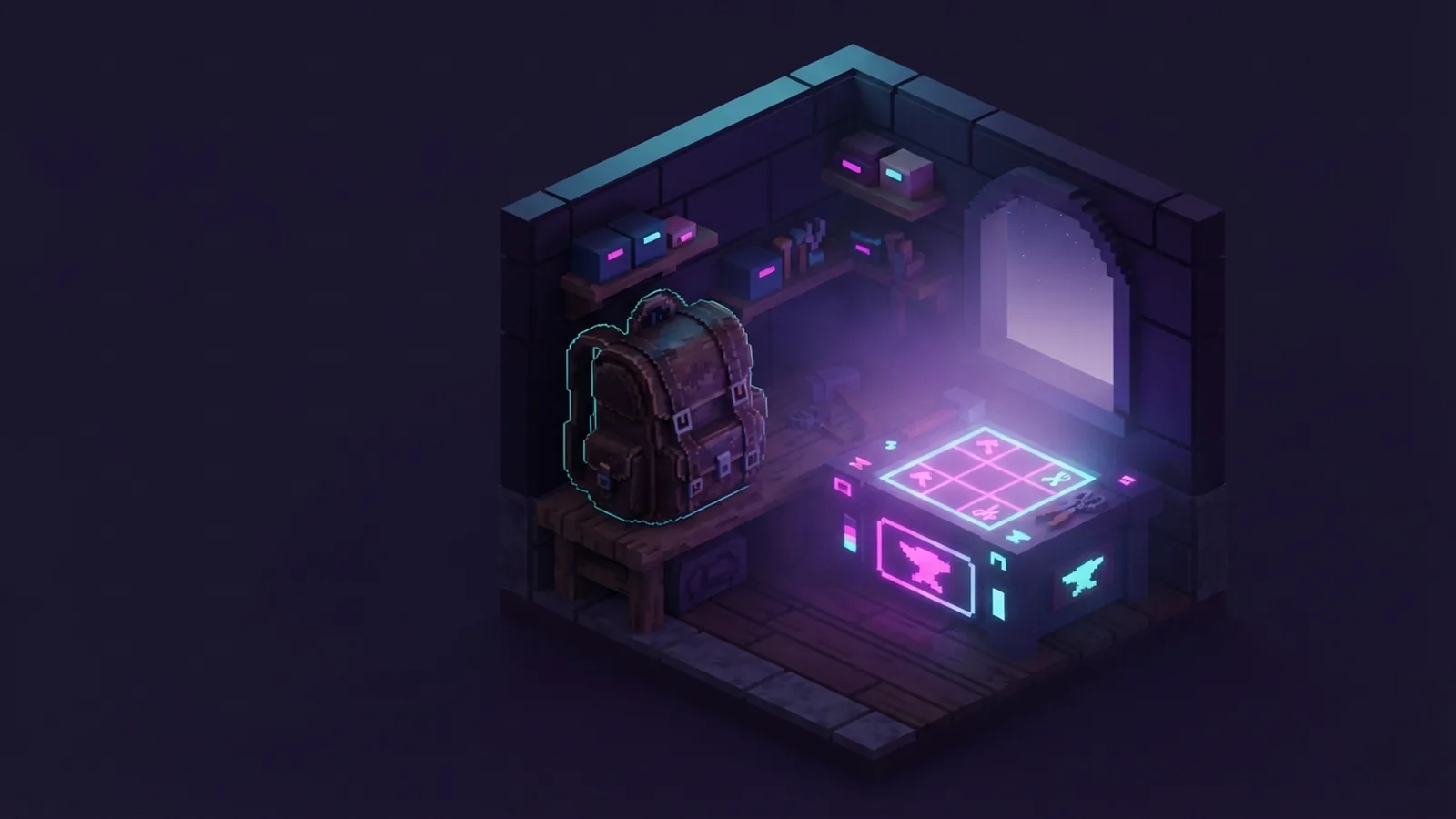
Are There Backpacks in Minecraft?
Does Minecraft have backpacks? Not in the standard game. Vanilla Minecraft has no wearable backpack item with extra storage.
You can still carry more items in two ways. Use a bundle in vanilla Minecraft, or install a mod that adds backpacks.
Mods often add leather packs with several storage sizes. Some packs also offer tools, tanks, sleeping features, or portable crafting.
This guide explains how to make backpacks in Minecraft with common mod setups. Recipe names and slots can change between Minecraft versions.
How to Craft a Backpack
First, pick a backpack mod that matches your game version. Then install its required loader and place the mod file in your mods folder.
Most backpack mods use leather, string, and a chest. Some also need iron, gold, or a special upgrade item.
A common starter recipe works like this:
- Gather eight leather pieces, one chest, and two strings.
- Open a crafting table.
- Place leather around the outer slots.
- Place the chest in the center slot.
- Place one string in each upper corner slot.
- Take the backpack from the result slot.
That pattern is common, but it is not a universal Minecraft recipe. Check the recipe viewer in your pack for the exact layout.
For example, Sophisticated Backpacks on Modrinth adds upgradeable storage. Its recipes and upgrade paths depend on the installed version.
Another popular choice is Traveler's Backpack. Its Traveler's Backpack project page lists supported versions and mod features.
Start with the lowest backpack tier. Higher tiers often need more rare resources. This keeps early survival play balanced.
How to Use Backpacks in Gameplay
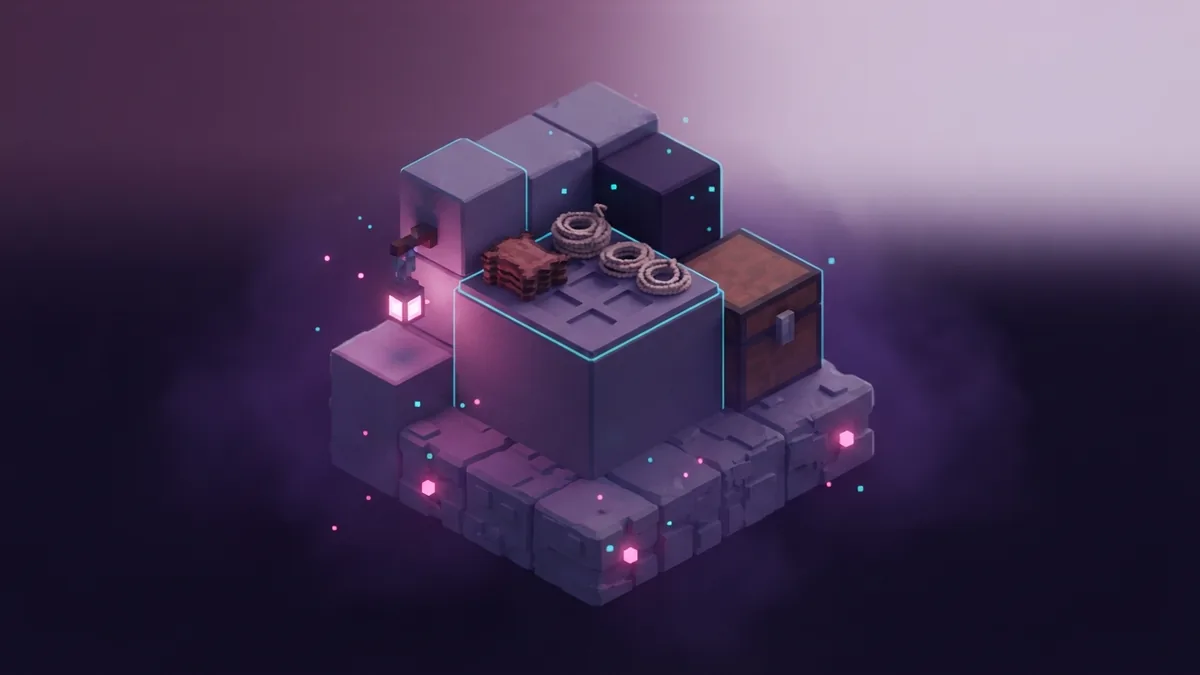
There are two common ways to equip a backpack. You can place it in a chest slot, or open it from your hotbar.
Many mods let you wear the pack through an extra equipment slot. This slot often comes from an accessory mod, such as Curios.
Other mods let you use a key while holding the backpack. Open the controls menu and check the mod's keybind.
After opening the pack, move items into its storage grid. Treat it like a second chest that travels with you.
Backpacks do not usually slow movement. They may block a chest slot or another wearable slot, though.
Some advanced packs add special features. These can include item pickup, auto-sorting, fluid tanks, and tool slots.
- Keep blocks for building in one section.
- Store food and potions near the first rows.
- Place mining drops in a separate section.
- Use upgrade slots for features you need often.
Watch the pack's weight rules, if the mod adds them. A few packs limit items by type, volume, or stack count.
Backpack Types and Storage Options
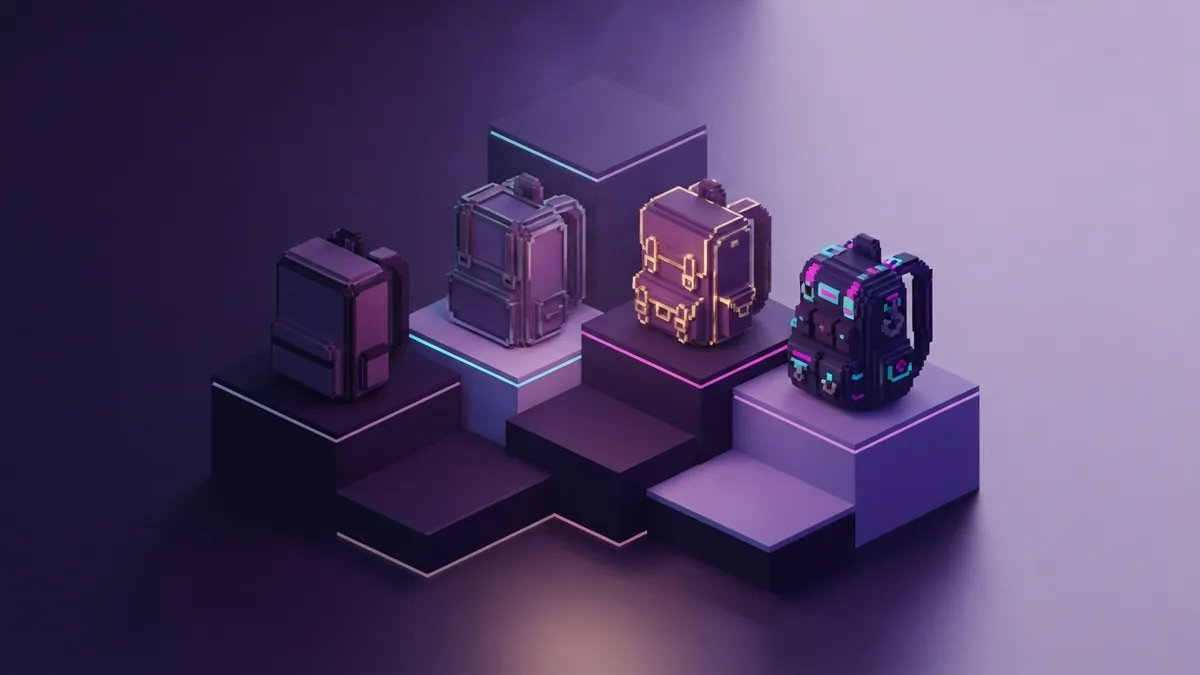
Backpack types differ by mod. The names below describe common designs rather than one fixed game system.
| Backpack type | Best use | Typical materials |
|---|---|---|
| Starter pack | Early mining and travel | Leather, string, chest |
| Iron pack | Long cave trips | Starter pack, iron |
| Gold pack | Large item storage | Iron pack, gold |
| Specialist pack | Tools, fluids, or food | Pack, upgrade items |
A starter pack usually gives one extra storage grid. Iron and gold tiers often increase that grid.
Some mods let you upgrade one pack over time. This saves resources and keeps your stored items in place.
Specialist packs can solve narrow problems. A mining pack may collect ores, while a fluid pack stores water or lava.
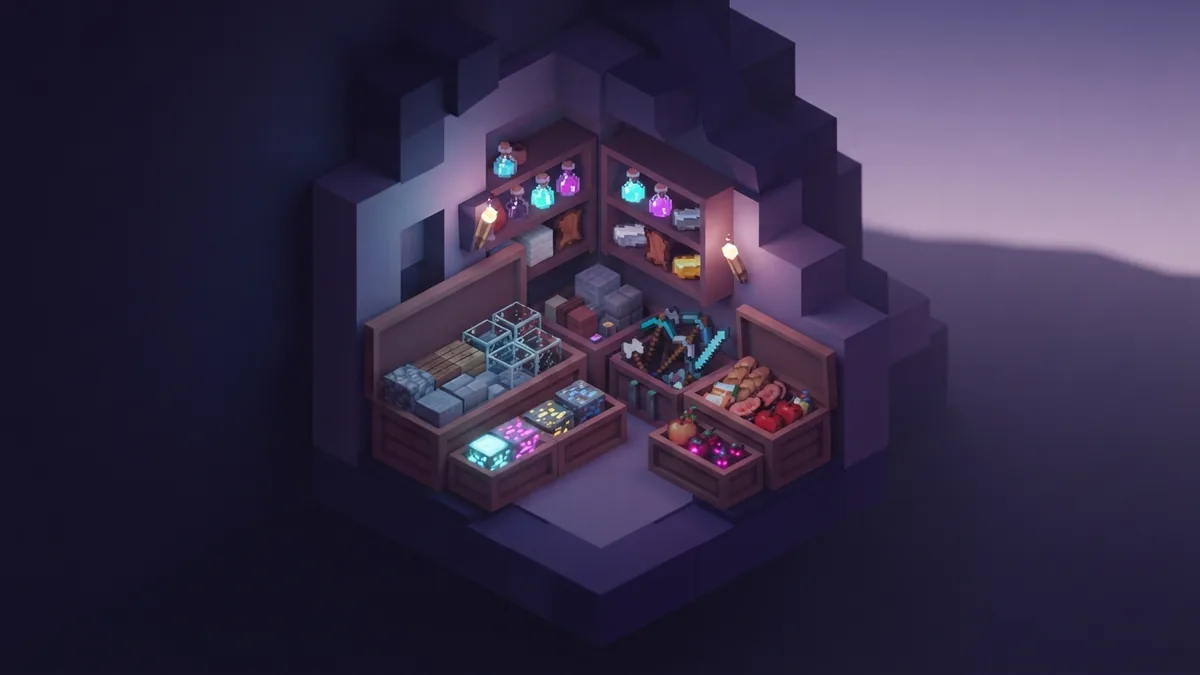
Vanilla players have a smaller option called the bundle. It holds different items in one inventory slot.
A bundle has limited capacity. It works best for loose drops, seeds, flowers, and other small stacks.
Bundles are not wearable backpacks. They also do not add a second inventory screen.
Smart Backpack Management
Good storage starts before you leave your base. Empty the pack, repair tools, and check your food supply first.
Give each row a clear job. For example, use the first row for blocks and the second row for drops.
Keep rare items away from fast-moving loot. This reduces mistakes during a quick return to base.
- Carry one empty slot for surprise drops.
- Keep a spare pickaxe near your main tools.
- Store torches beside your mining blocks.
- Leave valuable gear in a safe chest before risky trips.
- Sort the pack after every major expedition.
Use color tiers when the mod supports dyed packs. A red pack can hold combat gear, while a blue pack can hold mining gear.
Name packs only when the mod supports names through an anvil or its own screen. Clear names reduce mix-ups in large bases.
Do not fill every slot with low-value blocks. Cobblestone, netherrack, and dirt can quickly crowd your storage.
Set a return rule before entering a deep cave. Return when the pack is nearly full, or when your main tool breaks.
Common Backpack Mistakes
The first mistake is assuming every backpack mod works the same way. One mod may use a chest slot, while another uses a keybind.
The second mistake is ignoring version support. A pack made for one loader may fail on another loader.
The third mistake is carrying the backpack inside itself. Some mods block this action, but others may cause item loss or strange nesting.
Never test a new mod on your main world first. Make a backup, then test recipes and storage in a copy.
Be careful when removing a backpack mod from an existing world. Stored items may vanish if the mod no longer loads them.
Common warning signs include missing recipes, empty storage, and crashes after opening the pack. Check the loader, mod version, and required add-ons first.
Also check keybind conflicts. If the backpack does not open, another mod may already use that key.
Finally, do not confuse a backpack with a bundle. A bundle saves inventory slots, while a backpack usually adds a separate storage grid.
Backpack Questions Answered
How do you make backpacks in Minecraft?
Install a backpack mod first. Then use its recipe, which often needs leather, string, and a chest.
How do you use backpacks in Minecraft?
Equip the pack in its accessory slot, or hold it and use the mod's open key. Move items into its storage grid.
Does Minecraft have backpacks without mods?
No. Vanilla Minecraft does not add wearable backpacks. Bundles offer limited portable storage instead.
Do backpacks slow you down?
Most backpack mods do not reduce movement speed. Some mods may add weight rules or slot limits.
Can a backpack keep items after death?
That depends on the mod and its settings. Read the death or recovery options before carrying rare gear.
Why will my backpack not open?
Check the keybind, loader, game version, and required add-ons. Then test the pack in a copied world.
Step-by-step
- 01 Choose a backpack mod
Pick a mod that supports your Minecraft version and loader. Check its required add-ons before installing it.
- 02 Gather the materials
Collect leather, string, and a chest for a common starter recipe. Some packs also need iron or gold.
- 03 Craft the starter pack
Open a crafting table and follow the recipe shown by your recipe viewer. Store the finished pack in your inventory.
- 04 Equip or open the pack
Place the pack in its accessory slot, or hold it and use the mod's keybind. Check the controls menu if needed.
- 05 Sort your supplies
Group blocks, tools, food, and drops in set rows. Leave one empty slot for unexpected loot.
- 06 Test safe storage
Open the pack in a copied world first. Confirm its death rules before carrying valuable items.
Frequently asked questions
- How do you make backpacks in Minecraft?
- Install a backpack mod, then follow its recipe. Common materials include leather, string, and a chest.
- How do you use backpacks in Minecraft?
- Equip the pack in its accessory slot, or hold it and press its open key. Then move items into the storage grid.
- Does Minecraft have backpacks without mods?
- No. Vanilla Minecraft has no wearable backpacks. Bundles offer limited portable storage instead.
- Do backpacks slow you down in Minecraft?
- Most backpack mods do not slow movement. Some mods add weight rules or slot limits.
- Can backpacks keep items after death?
- That depends on the mod and its settings. Check its death and recovery options before carrying rare gear.
- Why will my Minecraft backpack not open?
- Check the keybind, loader, game version, and required add-ons. Test the pack in a copied world.
Related reading
How Many Pixels Are in a Minecraft Block?
Blocks use 16×16 textures; skins and heads use different pixel sizes.
How Do You Add Skins to Minecraft?
Upload a skin on Java or choose one in Bedrock with these simple steps.
How Do You Teleport With Command Blocks in Bedrock?
Set up command blocks and teleport to exact coordinates in Bedrock.