How Do You Set Up a Beacon in Minecraft?
Craft the beacon, build its pyramid, then pick an effect for your base.

What Beacons Do in Minecraft
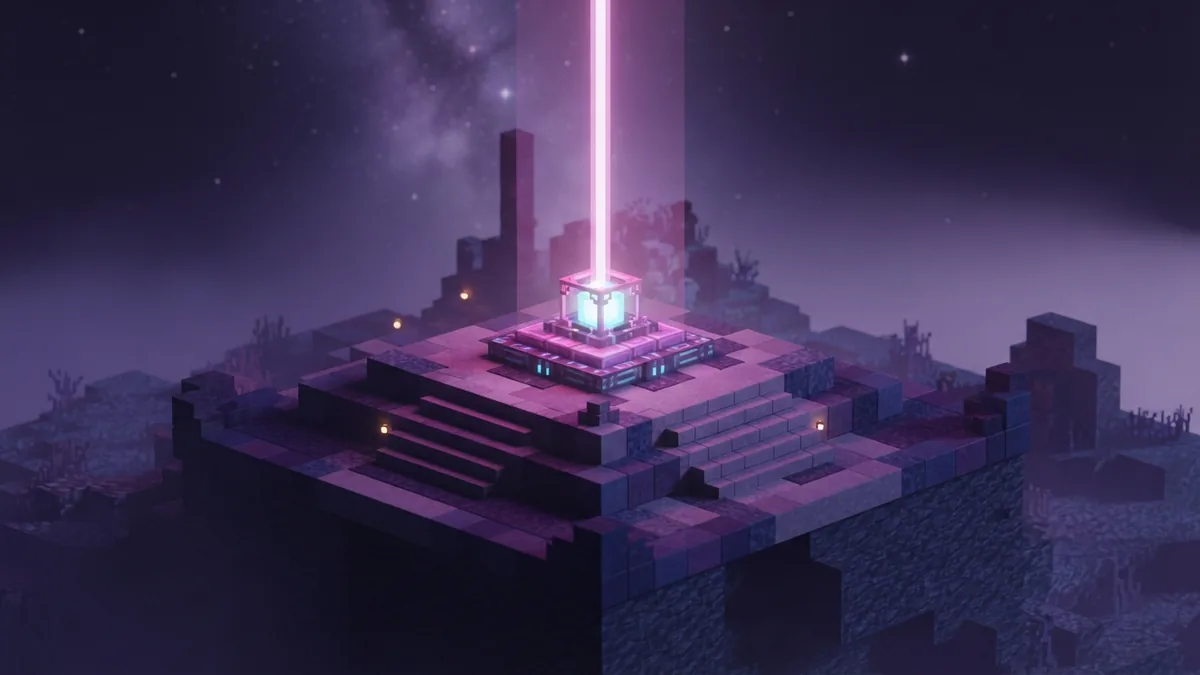
A beacon is a block that sends a beam into the sky and grants nearby players a status effect. These powers can help with travel, mining, defense, jumping, and combat. You need a mineral-block pyramid beneath the beacon to unlock its effects.
If you are wondering how to set up a beacon in Minecraft, start by gathering a nether star, glass, obsidian, and mineral blocks. Then craft the beacon, build a solid pyramid, and place the beacon at its center. The last step is choosing and paying for an effect.
How do you set up a beacon in Minecraft without wasting rare blocks? Start with the smallest working base, then add layers when you need more power or reach. You can expand the pyramid later without replacing the beacon.
- Craft the beacon with five glass blocks, three obsidian blocks, and one nether star.
- Build a centered pyramid from iron, gold, emerald, diamond, or netherite blocks.
- Place the beacon on top, open its menu, and pay for an effect.

Materials Needed to Set Up a Beacon
Make one beacon with five glass blocks, three obsidian blocks, and one nether star. In a crafting table, put the nether star in the middle slot. Fill the top row with glass, then place obsidian in the three bottom slots. Put the last two glass blocks beside the star.
The nether star comes from defeating the Wither, so plan that fight before gathering the rest. The star is spent when you craft the beacon. It is not spent again when you choose or change an effect.
The pyramid uses blocks of iron, gold, emerald, diamond, or netherite. Ingots and loose gems do not count. You can mix these block types in the same base, which lets you use the materials you already have.
A single-layer base takes nine mineral blocks. A full four-layer pyramid takes 164. Build a smaller base first if you want to save materials, then add layers as needed.

Build the Beacon Pyramid
Choose a flat site with room for a square base and a clear path above it. The beacon needs an unobstructed beam to work. Solid blocks above it can block the beam, while transparent blocks such as glass let it pass.
Each layer must be a solid square, centered beneath the beacon. Start with the largest square at ground level. Add smaller squares above it, with each layer shrinking by one block on every side.
| Layers | Square sizes, bottom to top | Total blocks |
|---|---|---|
| 1 | 3 by 3 | 9 |
| 2 | 5 by 5, then 3 by 3 | 34 |
| 3 | 7 by 7, 5 by 5, then 3 by 3 | 83 |
| 4 | 9 by 9, 7 by 7, 5 by 5, then 3 by 3 | 164 |
For the first level, place nine blocks in a 3-by-3 square. For higher levels, build each larger square first, then stack the smaller layers above it. Keep every layer centered and filled in.
Place the beacon on the center of the top layer. The beacon does not count as a pyramid block. A hollow frame or scattered blocks will not make a valid base.

Place and Activate the Beacon
Set the beacon on the pyramid’s top center block. Look for its beam. If the beam does not appear, check for solid blocks above it and clear the path. Glass can cover the beam without stopping it.
Interact with the beacon block to open its effect menu. The choices shown depend on the pyramid’s height. A one-layer base unlocks the first set of powers. More layers open further choices and increase the beacon’s range.
Select an effect, then put one payment item into the menu slot. Accepted items include an iron ingot, gold ingot, emerald, diamond, or netherite ingot. Confirm your choice to start the effect.
The payment item is used up when you confirm. Pay again whenever you change the chosen effect. The pyramid stays in place, so you do not need to rebuild it.
Choose Beacon Effects
The first pyramid level offers Speed and Haste. Speed helps you move around faster. Haste helps you mine and break blocks faster, making it useful near mines or building sites.
A second level adds Resistance and Jump Boost. Resistance reduces damage, while Jump Boost helps you clear higher ledges. A third level unlocks Strength, which boosts melee attacks.
A four-layer pyramid adds access to Regeneration as a secondary power. It can also let you raise an eligible primary power to level II. The menu shows which pairings your beacon supports.
Match the effect to the work nearby. Pick Haste for a stone quarry, Speed for a large base, or Resistance when danger is close. You can change the choice later by paying another item.
Pick a Useful Beacon Location
Place the beacon near the area where you spend time. A base entrance, mine, or workshop can make a good spot. The beacon only helps players within its range, so a remote build may not aid your daily tasks.
Higher pyramids reach farther, but they need more blocks. A one-layer base reaches 20 blocks, while each added layer adds 10 blocks. A four-layer base reaches 50 blocks. Build only as large as your work area needs.
Check the sky path before spending materials. A nearby roof or hill can block the beam if solid blocks sit above the beacon. You can also put a beacon underground if its path upward remains clear.
For a wide base, place the beacon near its center. For a focused project, put it beside the mine or build site. This keeps the effect useful without spending extra blocks on a larger pyramid.
Step-by-step
- 01 Gather the crafting items
Get five glass blocks, three obsidian blocks, and one nether star. Gather mineral blocks for the pyramid.
- 02 Craft the beacon
Place the nether star in the center of the crafting grid, glass across the top, and obsidian across the bottom.
- 03 Build a centered pyramid
Make a solid 3-by-3 base for one level. Add larger centered layers beneath it to unlock more powers and range.
- 04 Place the beacon
Set it on the top center of the pyramid. Keep solid blocks clear above it so the beam can pass.
- 05 Choose an effect
Open the beacon menu, select an available power, and add an accepted payment item. Confirm the choice to activate it.
Frequently asked questions
- How do you set up a beacon in Minecraft?
- Craft it with five glass blocks, three obsidian blocks, and a nether star. Set it on a solid mineral-block pyramid, open its menu, then pay for an effect.
- What blocks can you use for a beacon pyramid?
- Use iron, gold, emerald, diamond, or netherite blocks. You can mix those block types in one pyramid.
- How many blocks does a full beacon pyramid need?
- A four-layer pyramid needs 164 mineral blocks. A one-layer base needs only nine blocks.
- Why is my Minecraft beacon not working?
- Check that the pyramid has solid, centered layers and that the beacon sits on top. Also clear solid blocks above the beacon so its beam can reach the sky.
- What effects can a beacon give you?
- Beacon effects include Speed, Haste, Resistance, Jump Boost, Strength, and Regeneration. The pyramid level controls which choices appear.
Related reading

How Do You Make Slabs in Minecraft?
Craft stone and smooth stone slabs, then use their placement to build smarter.

Can You Reroll Enchantments in Minecraft?
Reroll enchantments by enchanting an item, then clearing it with a Grindstone.
How Do You Level Up a Map in Minecraft?
Scale maps from Level 0 to Level 4 and explore more of your world.