How Do You Make a Flag in Minecraft?
Craft banners, layer dye, and make flags for your Minecraft builds.
How flags work in Minecraft
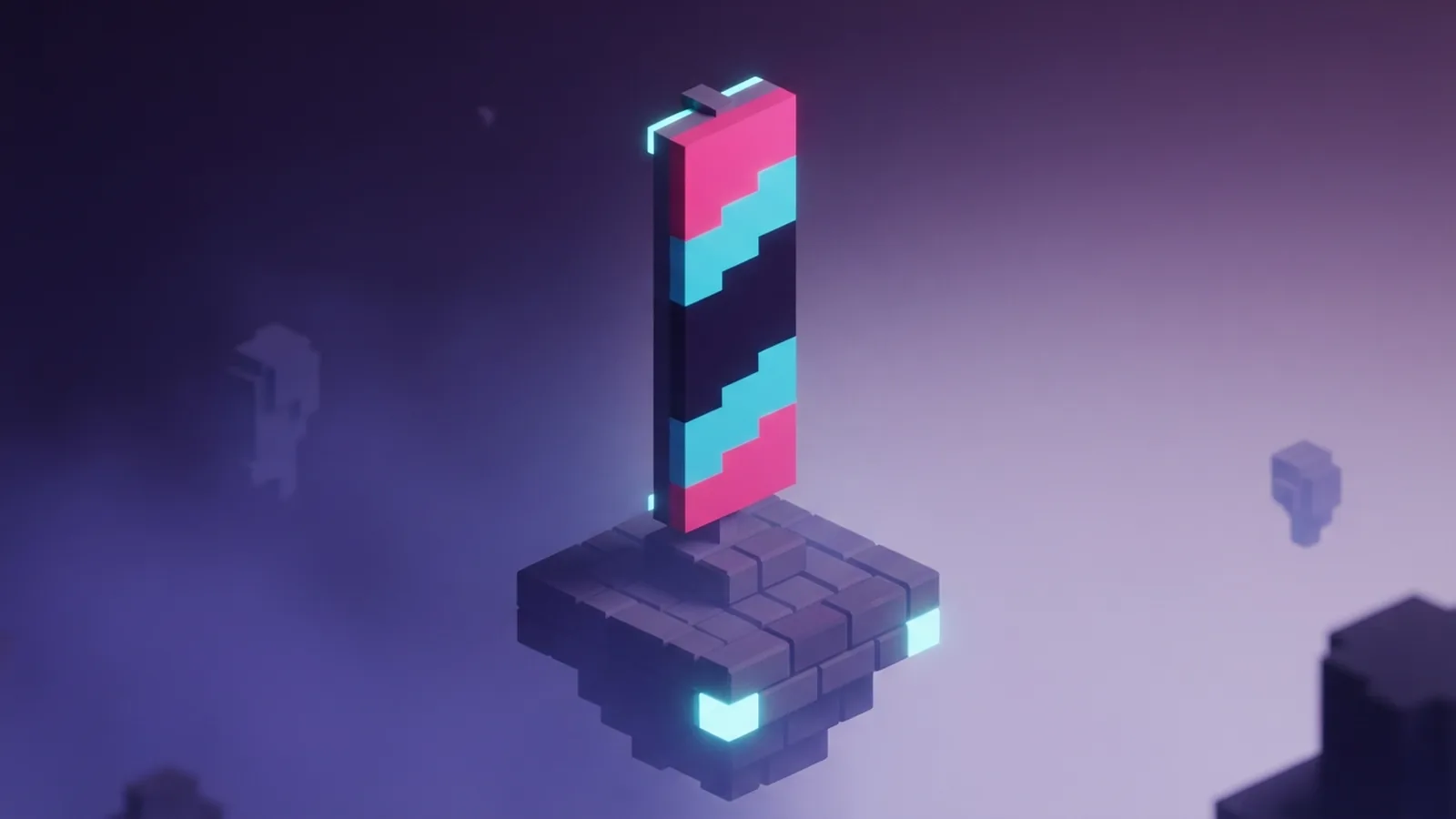
Minecraft flags are banners made from wool, sticks, and dye. A banner starts with one base color. You then add patterns to build stripes, crosses, or other shapes.
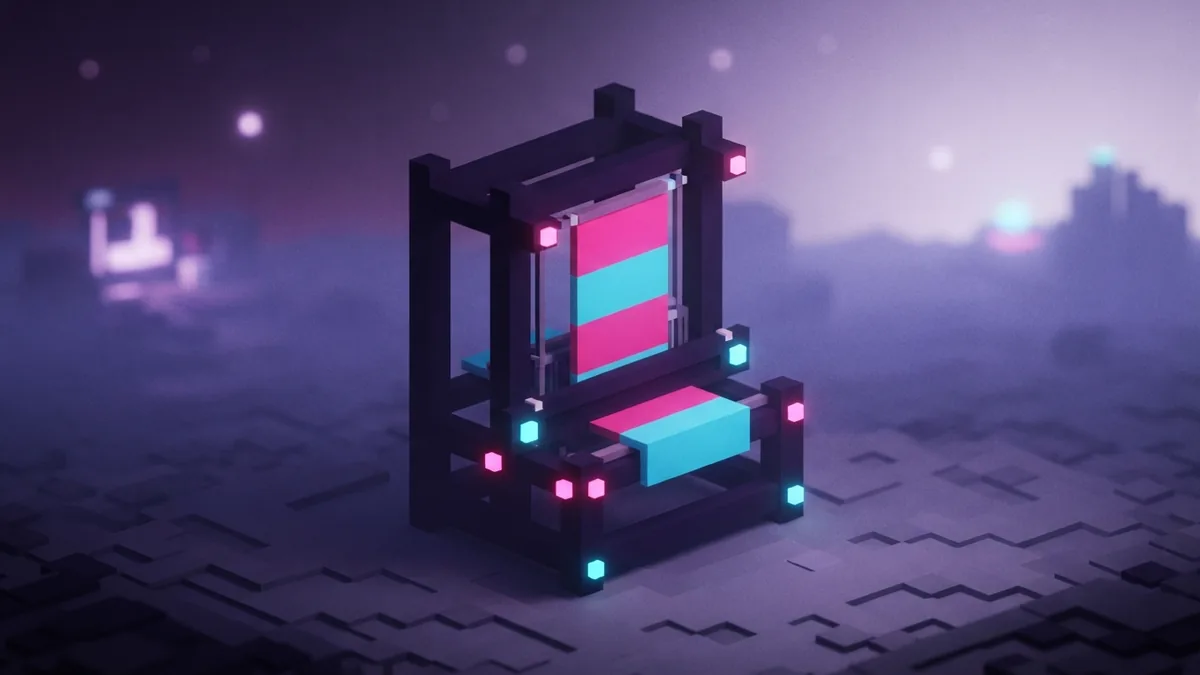
The loom is the easiest way to add most designs. Put a banner and one dye into its slots, then choose a pattern. The preview shows the result before you take it. Each banner can hold up to six pattern layers.
This answers the common question, “how do you make a flag in Minecraft?” Craft a banner first, then use dye and patterns to shape its look. You can place banners on floors or walls. You can also copy a finished design onto another banner.
- Banners use a base color and up to six pattern layers.
- Each dye adds a color to one chosen pattern.
- A loom lets you view and select patterns with ease.
Materials needed to make a flag
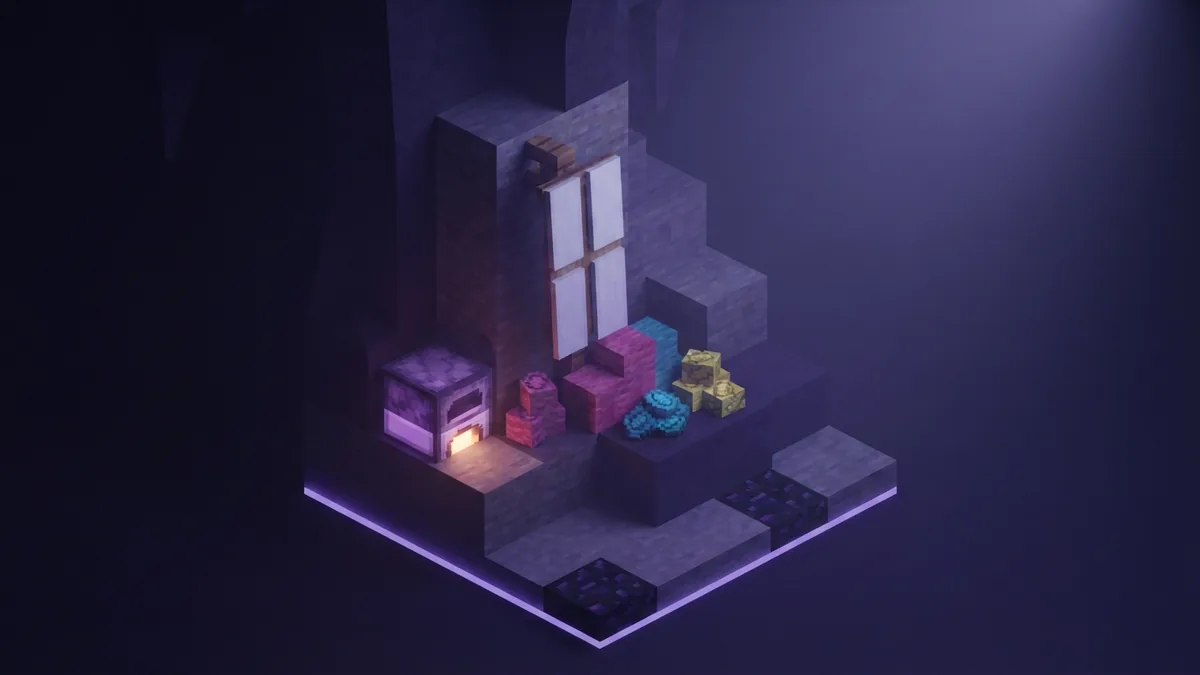
For one banner, gather six wool blocks of the same color and one stick. Use a crafting table to make it. Fill the top two rows with wool, then place the stick in the bottom row’s middle slot.
Make a loom from two string and two wooden planks. Place the string in the top row and the planks beneath it. You will also need dye for each color in your design. Gather extra banners if you want to test more than one look.
Shear sheep to get wool without killing them. You can dye wool before crafting, or apply color to a banner with the loom. Pick a base color that suits the largest part of your flag. That choice can save dye and pattern layers later.
- Six wool blocks of one color
- One stick and a crafting table
- Two string and two planks for a loom
- Dyes that match your planned design
Steps to create a basic flag
To learn how to make a flag in Minecraft, start with a simple two-color design. Choose the main color for the banner base. Then add a stripe or shape in a second color using the loom.
Open the loom and place your banner in its banner slot. Add one dye, then choose a stripe pattern from the options. Take the banner when the preview looks right. Repeat with another dye to add more bands or shapes.
Pattern order matters because each new layer sits above earlier ones. Begin with broad shapes, then add smaller details. Keep the design bold so it stays clear from a distance. This method works for many answers to “how to make a flag minecraft,” from simple house markers to team colors.
- Craft a banner in your chosen base color.
- Open the loom and add the banner and one dye.
- Select a stripe or shape, then take the banner.
- Add more layers, one dye at a time.
- Place the flag and view it from a few blocks away.
Designing a US flag in Minecraft
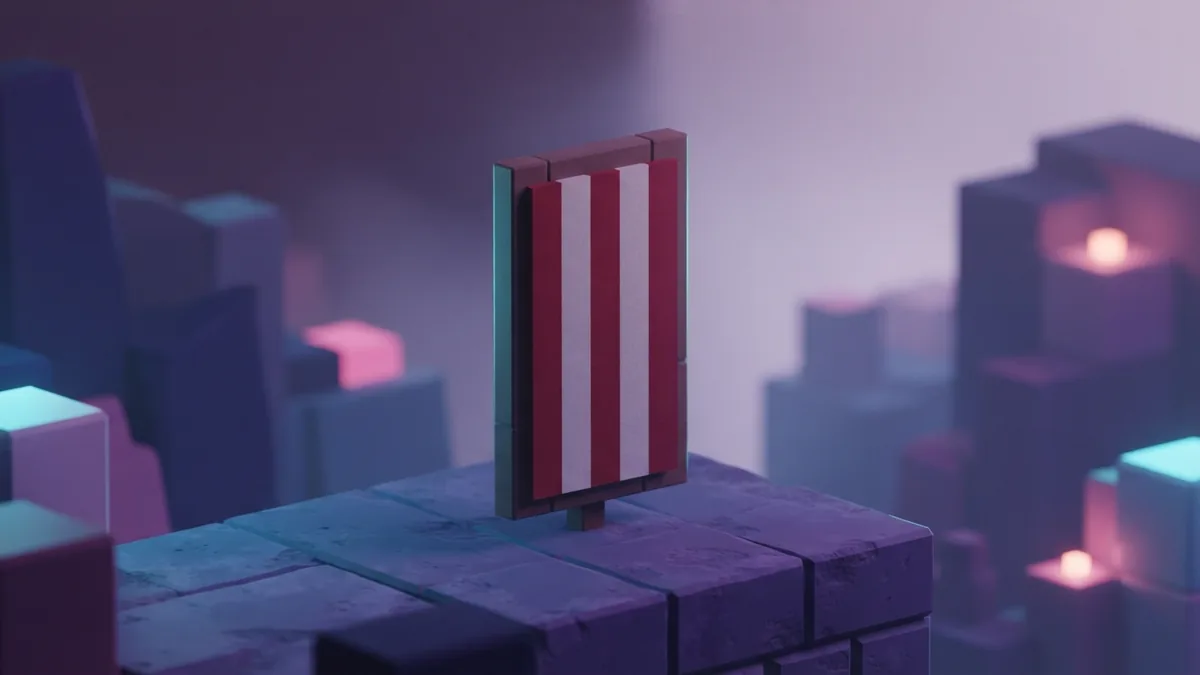
A banner has limited space, so it cannot show every star and stripe of the US flag. A bold version can still suggest the design. Start with a white banner, then add red horizontal stripes and leave white gaps between them.
For the blue field, use a blue corner or upper section pattern if your loom offers one. Pattern choices can differ by game edition. If you cannot place a corner shape, use a blue stripe across the upper area. Add a few small white marks to suggest stars.
These steps explain how to make a US flag in Minecraft without trying to fit every detail. Keep the red bands spaced evenly and the blue field large enough to stand out. When you want matching flags, combine the finished banner with a blank banner of the same base color.
- Use white as the base color.
- Add red horizontal bands with white gaps.
- Place blue in the upper-left area.
- Add a few white marks to suggest stars.
How to create the British flag
The British flag uses red, white, and blue crosses. Start with a blue banner. Add a broad white diagonal cross, then place a narrower red diagonal cross over it. This leaves a white edge around the red.
Next, layer a broad white upright cross through the center. Add a slim red cross on top. The broad white shapes should come first, with the red shapes above them. Use the loom’s cross and diagonal choices to build the closest design available.
This is a simple way to handle searches such as “how to make British flag in Minecraft” or “how to make the British flag in Minecraft.” The banner grid cannot match every fine detail. Focus on the main colors and crossing lines so the flag reads well at a glance.
Making communist, pride, and custom flags
For a communist flag, use a red banner as the base and add a yellow shape near the upper-left corner. A small mark can suggest a star. Minecraft patterns limit fine detail, so keep the symbol large and simple. This is the core idea behind how to make communist flag in Minecraft.
You can also make a pride flag with colored horizontal bands. Choose a light base, then add stripes in the order you want. A rainbow design needs several layers, so plan the colors before using the loom. For a lesbian flag, use shades of orange, white, and pink as broad bands.
Custom banners can mark homes, meeting spots, or paths through a base. Try color pairs that match your build, or make a flag for a team. Save a copy before testing risky changes. The banner’s small pattern area rewards clear shapes more than tiny detail.
- Use red wool or a red banner as a communist flag base.
- Choose broad color bands for pride flag designs.
- Use orange, white, and pink layers for a lesbian flag.
- Copy finished banners to keep matching designs across a build.
Tips for better banner designs
Plan the base color and pattern order before you begin. Start with the largest shapes, then add narrow lines and marks. If a new layer covers too much, undo the plan by crafting a fresh banner and trying another order.
Test your design in the place where you plan to use it. A pattern that looks clear in the loom may blend into nearby blocks. Use contrast between the banner and its surroundings. Repeated banners also help make a path or build feel planned.
Copy a finished banner by placing it beside an unpatterned banner with the same base color in a crafting grid. This is useful for decorating several walls or poles. When someone asks how to build a flag in Minecraft, the short answer is to craft, layer, test, and copy.
Step-by-step
- 01 Gather banner materials
Collect six wool blocks of one color and one stick. Make a loom from two string and two planks.
- 02 Craft a banner
Use a crafting table, placing wool across the top two rows and the stick in the bottom middle slot.
- 03 Add a pattern
Put the banner and one dye into a loom. Choose a stripe or shape from the pattern options.
- 04 Layer colors and place the flag
Repeat with more dye for extra shapes. Place the banner and check that its design is clear from a distance.
Frequently asked questions
- How do you make a flag in Minecraft?
- Craft a banner from six wool blocks and one stick. Add dye and patterns with a loom.
- How do you make a US flag in Minecraft?
- Start with a white banner, add red horizontal bands, then place a blue field in the upper-left area. A few white marks can suggest stars.
- How do you make the British flag in Minecraft?
- Use a blue banner, then layer broad white and narrower red diagonal and upright crosses. The design is a simplified version of the flag.
- Can you make a pride flag in Minecraft?
- Yes. Use the loom to add colored bands to a banner. Pick the colors and order that suit your design.
- How many patterns can a Minecraft banner hold?
- A banner can hold up to six pattern layers, in addition to its base color.
Related reading
Can Mobile Minecraft Play With PS5?
Mobile and PS5 players can join the same Minecraft world with Bedrock crossplay.
How Many Pixels Are in a Minecraft Block?
Blocks use 16×16 textures; skins and heads use different pixel sizes.

How Do You Add Skins to Minecraft?
Upload a skin on Java or choose one in Bedrock with these simple steps.