How Many Pixels Are in a Minecraft Block?
Blocks use 16×16 textures; skins and heads use different pixel sizes.
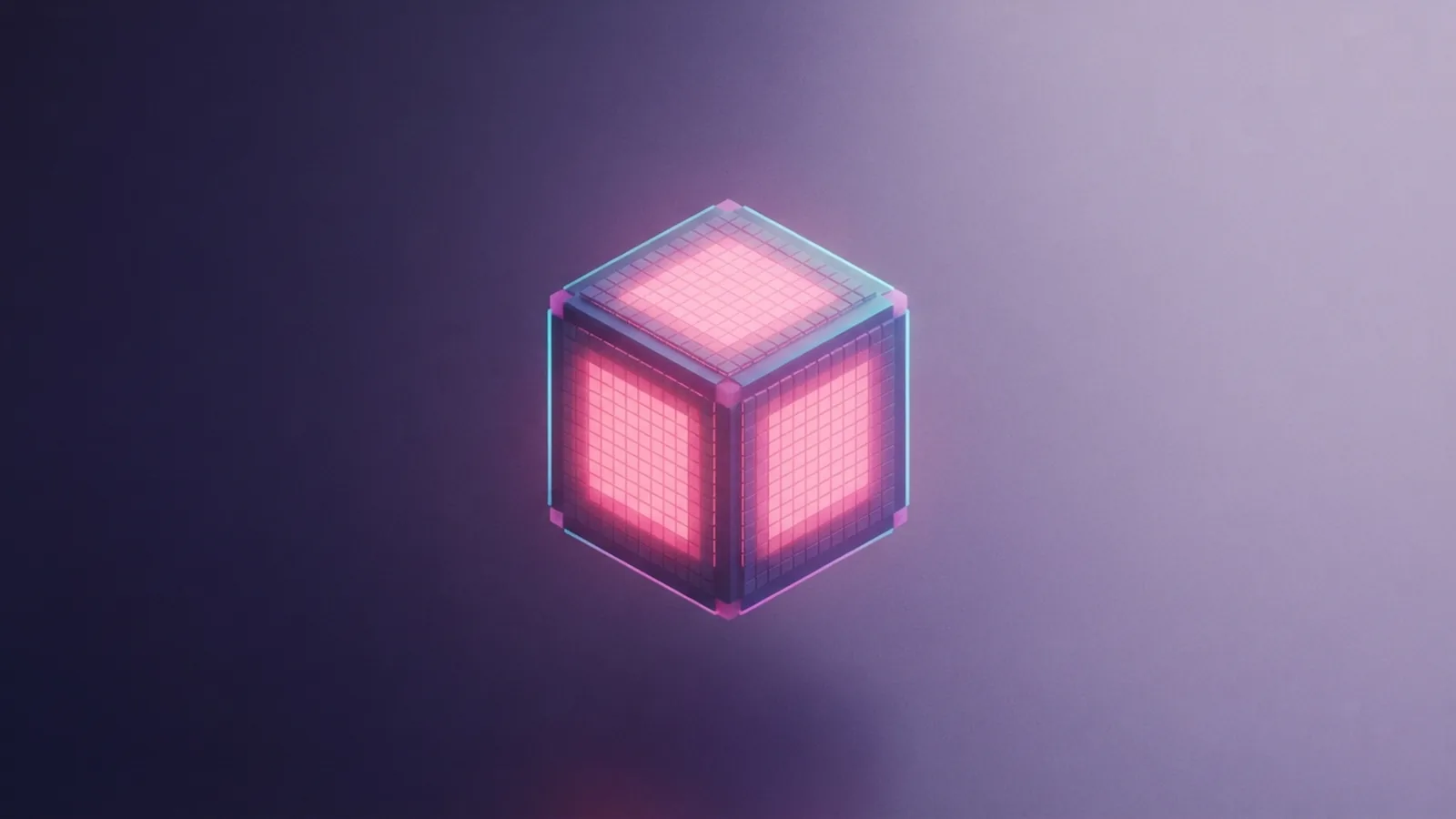
Understanding Minecraft Blocks and Their Textures
A standard Minecraft block texture is 16 pixels wide and 16 pixels tall. That makes 256 pixels in one square texture. The block itself is a three-dimensional cube, so its top and sides may each use their own 16-by-16 texture.
This is the short answer to “how many pixels are in a Minecraft block?” It describes the texture map, not the block’s size on your screen. A block can look larger or smaller as you move through the world, but its usual texture grid stays the same.
Think of the texture as a tiny tile made from colored squares. Each square sets the color for one small part of a block face. Stone, glass, and planks all use this grid in the standard game, though their colors and patterns differ.
Some blocks use more than one face design. A log, for example, can have a round end texture and a bark texture on its sides. The 16-by-16 size still applies to each standard face texture.
Pixel Dimensions of a Minecraft Block

When people ask how many pixels a Minecraft block has, they usually mean the width and height of its texture. For a standard block face, that answer is 16 by 16 pixels. Multiply those values to get 256 pixels per face.
A cube has six faces, but that does not mean every block uses six unique images. The game can repeat one texture on several faces, or use different textures for the top, sides, and bottom. A basic block could therefore have up to six face maps, each with 256 pixels.
Texture packs can change this grid. A pack might use 32-by-32 or 64-by-64 pixels for each face, adding finer detail without changing the block’s size in the world. Higher resolution textures can take more memory and may need more graphics power.
To check a texture pack, look at the size of one block face in its image files. A 16-pixel-wide face is the standard size. If each face spans 32 pixels, the pack uses twice the width and height, or four times the pixel count.
- 16 × 16 pixels: 256 pixels per face
- 32 × 32 pixels: 1,024 pixels per face
- 64 × 64 pixels: 4,096 pixels per face
How Pixels Relate to Minecraft Skins
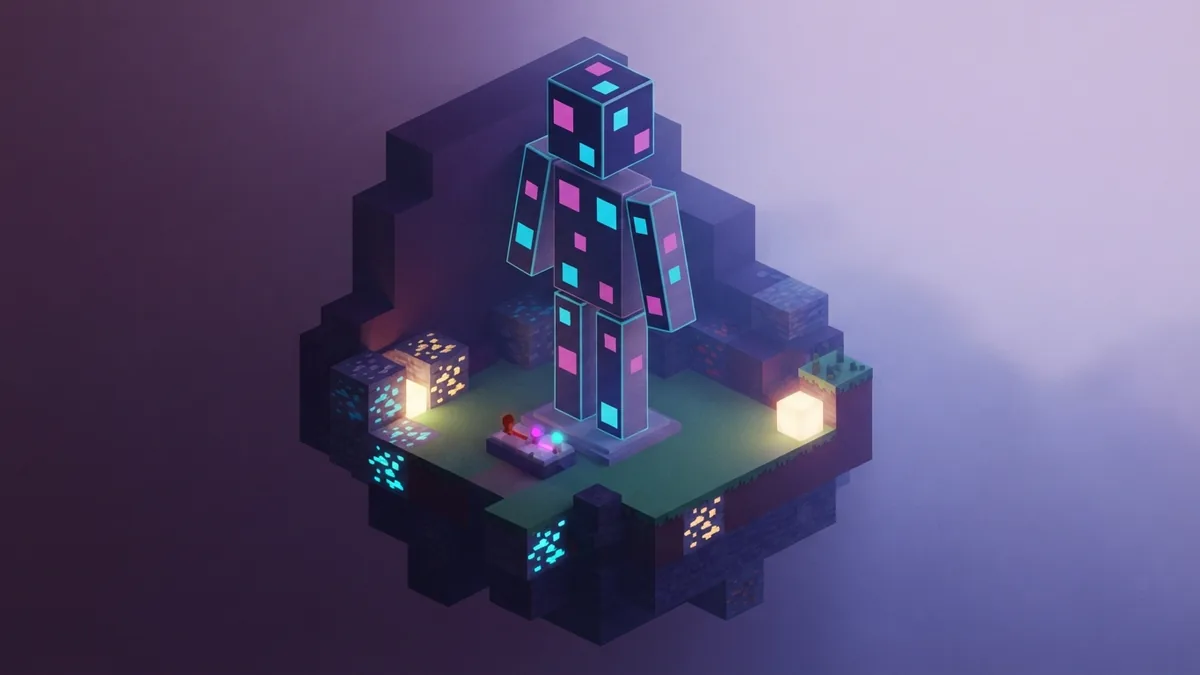
A standard Minecraft skin is usually 64 pixels wide and 64 pixels tall. That gives the full skin image 4,096 pixels. The file is a flat map of colored squares that the game wraps around a player model.
So, how many pixels is a Minecraft skin? For the common modern format, it is 64 by 64 pixels. The image does not look like a finished person when opened. Instead, its parts are laid out as pieces for the head, body, arms, and legs.
The skin layout includes front, back, and side panels for those body parts. It also supports an outer layer for details such as sleeves or hair. That layer uses the same overall image and can add depth to the model.
Older skins may use a 64-by-32 layout. This format lacks the full second layer used by the wider layout. It can still appear in game, but the newer 64-by-64 format offers more room for custom details.
Skin height refers to the image file, not the character’s height on screen. The file is 64 pixels tall, while the model uses mapped parts from that image. Keep this difference in mind when editing a skin in a drawing app.
Pixel Count for Minecraft Heads
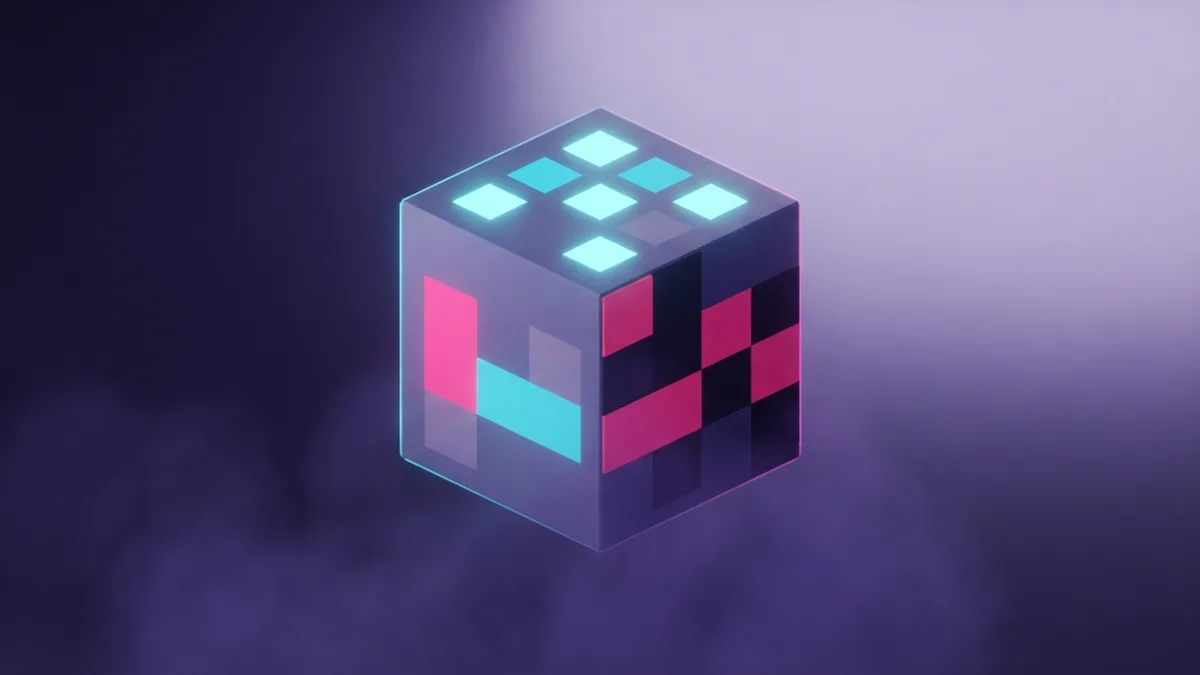
A Minecraft head face is 8 pixels wide and 8 pixels tall when viewed in game. That gives 64 pixels on one face. The full cube has six faces, though the game may show only some of them at once.
This is the usual answer to “how many pixels is a Minecraft head?” Each side of the head model uses an 8-by-8 texture area. The skin file holds those areas within its larger 64-by-64 layout.
The head is larger than one block face in the game world, even though both use pixel art. A block face has a 16-by-16 texture, while a head face has an 8-by-8 texture. The model and its texture map are not the same thing.
For a custom head design, keep key features within the small face grid. A simple eye or mouth can use only a few pixels. Tiny changes can strongly affect how the face reads from a distance.
How Pixel Size Shapes Game Design
Low-resolution textures give Minecraft its crisp, block-based look. Artists work with a small grid, so each pixel must serve a clear purpose. Strong color changes help players tell stone from sand or one wood type from another.
Texture size also affects how much detail a block can show. A 16-by-16 face can hold broad shapes and simple shading. A 64-by-64 face offers more room for grain, cracks, or soft color shifts, but can look out of place beside standard textures.
For a texture pack, choose a resolution that fits the whole set. Mixing a few high-resolution blocks with many standard ones can make the world feel uneven. Test the pack at normal play distance, since fine detail may disappear when viewed from afar.
Java and Bedrock both use the familiar 16-by-16 size for standard block textures and 64-by-64 skins. The main difference is not a new base pixel size. Each edition has its own pack setup, file rules, and ways to load custom content.
Skin support can also vary by platform and edition. Some Bedrock devices offer built-in skin tools, while Java players often add skin files through the game’s profile features. These differences affect how you install or share a skin, not the usual size of its image.
When a skin or pack fails to load, check its file layout and edition support first. Also confirm the image dimensions before you edit the art. That simple check can save time and keep details sharp.
| Asset | Common size | Pixel count |
|---|---|---|
| Block face | 16 × 16 | 256 per face |
| Skin image | 64 × 64 | 4,096 total |
| Head face | 8 × 8 | 64 per face |
Frequently asked questions
- How many pixels are in a Minecraft block?
- A standard block face is 16 by 16 pixels, or 256 pixels. A cube has six faces, and some blocks use different textures on each face.
- How many pixels is a Minecraft skin?
- A common Minecraft skin is 64 by 64 pixels, for 4,096 pixels in the full image. Older skins may use a 64-by-32 layout.
- How many pixels tall is a Minecraft skin?
- The common skin image is 64 pixels tall. This is the file height, not the character’s height on screen.
- How many pixels is a Minecraft head?
- Each head face uses an 8-by-8 texture area. That equals 64 pixels per face.
- Are block textures different sizes in Java and Bedrock?
- Both editions use 16-by-16 pixels for standard block textures. Their pack setup and support for custom content can differ.
Related reading
How Do You Add Skins to Minecraft?
Upload a skin on Java or choose one in Bedrock with these simple steps.
How Do You Teleport With Command Blocks in Bedrock?
Set up command blocks and teleport to exact coordinates in Bedrock.

How Do You Turn On Keep Inventory in Minecraft?
Keep your items and XP after death in Java or Bedrock.