How Do You Get Red Sandstone in Minecraft?
Find red sandstone in Badlands or craft it from red sand, then build with its variants.

Red sandstone at a glance
You can get red sandstone in Minecraft by mining it in the Badlands or crafting it from red sand. In Creative mode, you can take it straight from the inventory. Regular sandstone is not the recipe ingredient; four red sand blocks make one red sandstone block.
Red sandstone is a warm-toned variant of sandstone. Its orange-red color works well in desert builds, ruins, towers, and other structures that need a strong contrast with pale blocks. You can also craft cut red sandstone for a neater, more patterned finish.
Each route suits a different play style. Mining is useful when you already explore Badlands, while crafting lets you turn gathered red sand into building blocks. Creative mode skips both tasks.
How to obtain red sandstone
In Survival mode, look for red sandstone below the red sand in a Badlands biome. Dig through the surface layer and check the blocks beneath it. The exact amount you find can vary, so bring a pickaxe and enough inventory space for the blocks you plan to gather.
You can also craft red sandstone from red sand. Collect at least four red sand blocks, open a crafting table, and place them in a square. The recipe returns one red sandstone block. It does not need a special tool or extra item.
In Creative mode, open the inventory and search for red sandstone or browse the building blocks. Take the amount you need and place it directly. This is the quickest choice for testing a palette or building without gathering materials.
- Survival: Mine it under red sand in Badlands, or craft it from four red sand.
- Creative: Select it from the inventory with no mining or crafting.
- Regular sandstone: It does not make red sandstone in the standard crafting recipe.
Crafting red sandstone and its variants
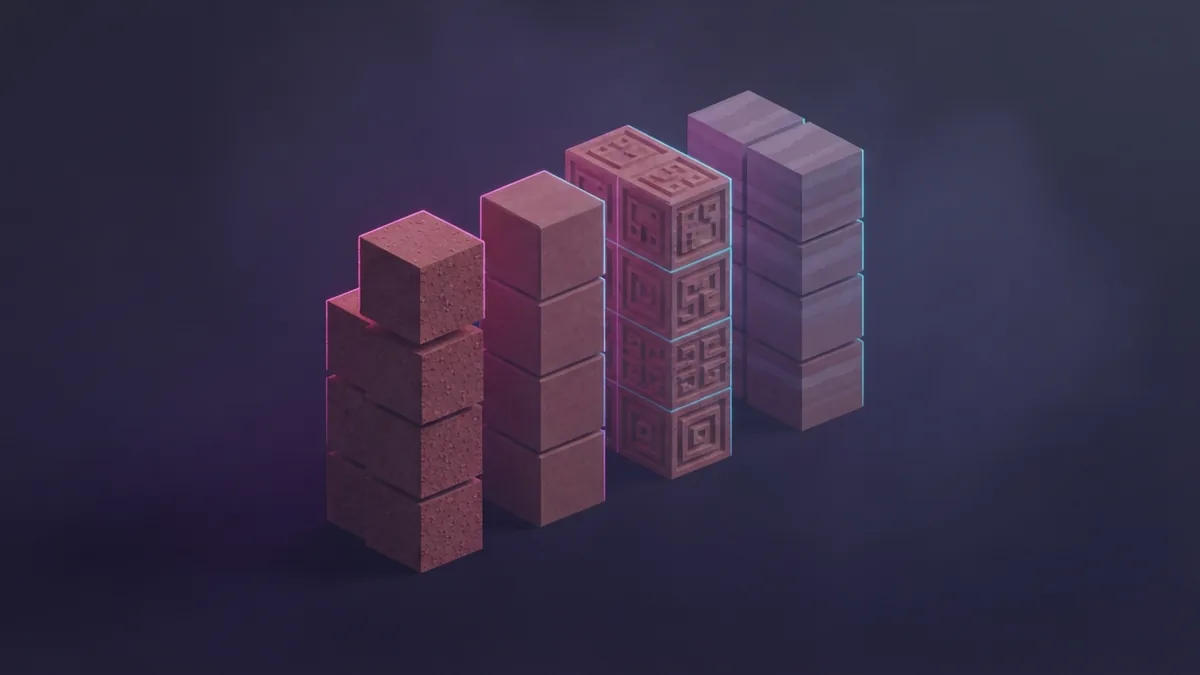
To make red sandstone, place four red sand blocks in a 2-by-2 square in a crafting grid. The arrangement fills every slot of the small square, so it works in your personal crafting grid or a crafting table. Take the red sandstone from the result slot.
For cut red sandstone, combine four red sandstone blocks in a 2-by-2 square. This recipe makes cut blocks with a tidy, carved pattern. You can also use a stonecutter: place one red sandstone block in its input slot, then choose the cut red sandstone option.
The stonecutter is handy when you want a smaller batch or need to compare shapes before building. It lets you choose a cut form from one input block, rather than crafting a square of four blocks. Check the available choices in your game version, since stonecutter options can differ by block and edition.
Keep the material paths straight. Red sand makes red sandstone, and red sandstone makes cut red sandstone. Regular sandstone has its own recipes and does not turn into the red variant.
- Gather four red sand blocks from a Badlands area.
- Place the four blocks in a square to craft red sandstone.
- Use four red sandstone blocks in a square for cut red sandstone.
- Or use one red sandstone block in a stonecutter and select the cut form.
Where to find red sandstone
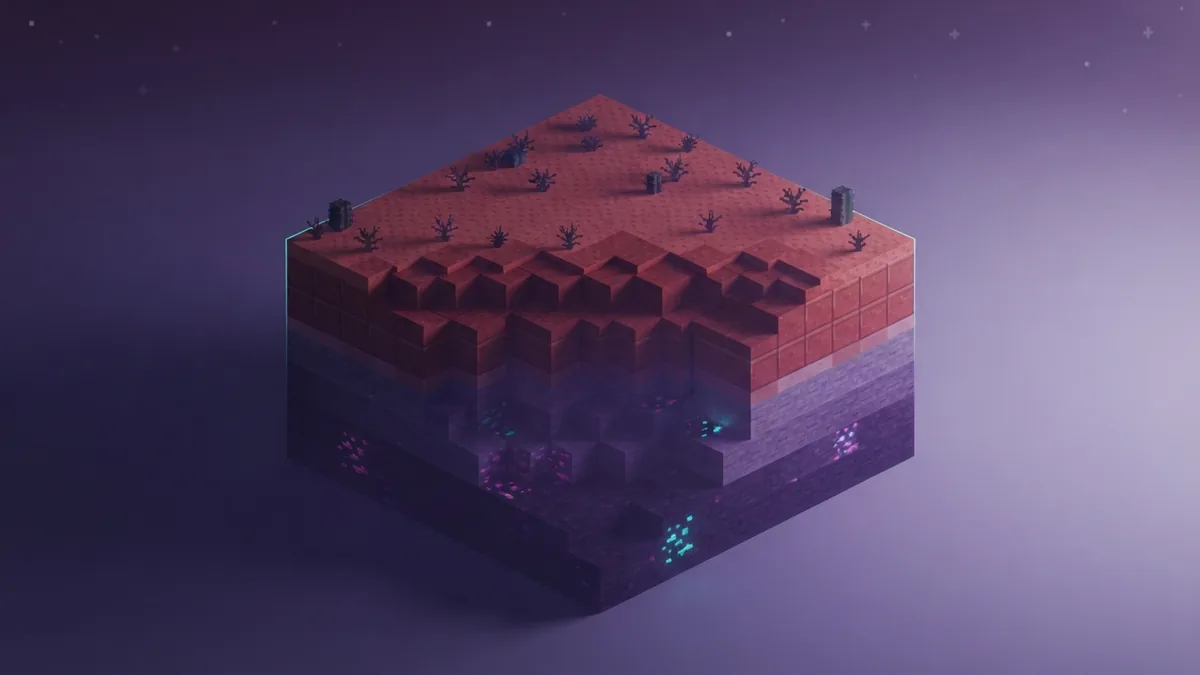
Badlands is the natural place to search for red sandstone. The biome has red sand across much of its surface, and red sandstone can form beneath that layer. Scan exposed cliff faces and cut slopes as well as digging below the surface.
Bring a pickaxe for mining and consider carrying a few empty inventory slots. A shovel can speed up digging through red sand, while the pickaxe helps collect the sandstone below. Mark your route or note a landmark if you plan to return for more.
Not every Badlands hillside exposes the same amount. If one spot yields little, follow the terrain and check another red sand slope. You can also collect red sand as you explore, then craft blocks back at your base.
In Creative mode, there is no need to seek a biome or find a crafting table. Search the inventory for the block you want. That route is useful for quick tests, while the Badlands route gives Survival players a natural supply.
Build with red sandstone
Red sandstone suits walls, floors, roofs, pillars, and trim. Its color stands out against pale sandstone and neutral stone, so use it as a focal point or as an accent. For example, a red sandstone roof can give a simple desert house more depth without adding many block types.
Mix the plain block with cut red sandstone to break up large, flat surfaces. Use the cut form for borders, columns, or a patterned floor, then fill broad areas with regular red sandstone. This keeps the design clear while adding texture.
Try a small sample wall before committing to a large build. Place a few rows beside your other materials and check how the colors look in daylight and at night. Red sandstone can dominate a small room, so balance it with lighter blocks or darker details.
Red sandstone is also useful for builds that need a consistent desert or mesa palette. You can gather it naturally, craft extra blocks from red sand, and make cut blocks as the design calls for them. That mix offers more options than using one block shape throughout.
Choose the route that fits your build
For Survival, gather red sand in a Badlands biome and craft it into red sandstone, or mine exposed red sandstone beneath the surface. For Creative builds, select the block directly from the inventory. Both modes let you use red sandstone as a building material.
Use the cut variant when a wall, floor, or pillar needs a more finished look. Make it with a crafting grid or shape one block at a time with a stonecutter. With the right source and recipe, red sandstone is easy to add to a build.
Step-by-step
- 01 Find red sand
Travel to a Badlands biome and gather at least four red sand blocks. Check exposed slopes for red sandstone beneath the surface.
- 02 Craft red sandstone
Place four red sand blocks in a 2-by-2 square in a crafting grid. Take the red sandstone from the result slot.
- 03 Make cut red sandstone
Combine four red sandstone blocks in a 2-by-2 square, or use one block in a stonecutter. Select the cut form you want.
Frequently asked questions
- How do you get red sandstone in Minecraft?
- Mine it beneath red sand in a Badlands biome, or craft it from four red sand blocks. In Creative mode, select it from the inventory.
- Can you make red sandstone from regular sandstone?
- No. The standard recipe uses four red sand blocks, not regular sandstone. Regular sandstone has separate recipes.
- Where does red sandstone generate naturally?
- Red sandstone can generate beneath the red sand surface in Badlands biomes. Check exposed slopes and dig under the surface layer.
- How do you craft cut red sandstone?
- Combine four red sandstone blocks in a 2-by-2 crafting grid. You can also put one red sandstone block in a stonecutter and choose the cut form.
- Is red sandstone available in Creative mode?
- Yes. Search for red sandstone in the Creative inventory and select the block you need. You do not need to gather or craft it.
Related reading

How Do You Keep Your Inventory After Death in Minecraft?
Keep your items after death with one gamerule or a world setting.

What Does a Lectern Do in Minecraft?
Lecterns display books, shape villager jobs, and add redstone control.

How Do You Add a Server on Xbox Minecraft?
See which Xbox server options work and how to join friends or community worlds.