Ferris Wheel in Minecraft: From Frame to Spin
Build a strong Minecraft ferris wheel with minecarts, lights, and custom themes.
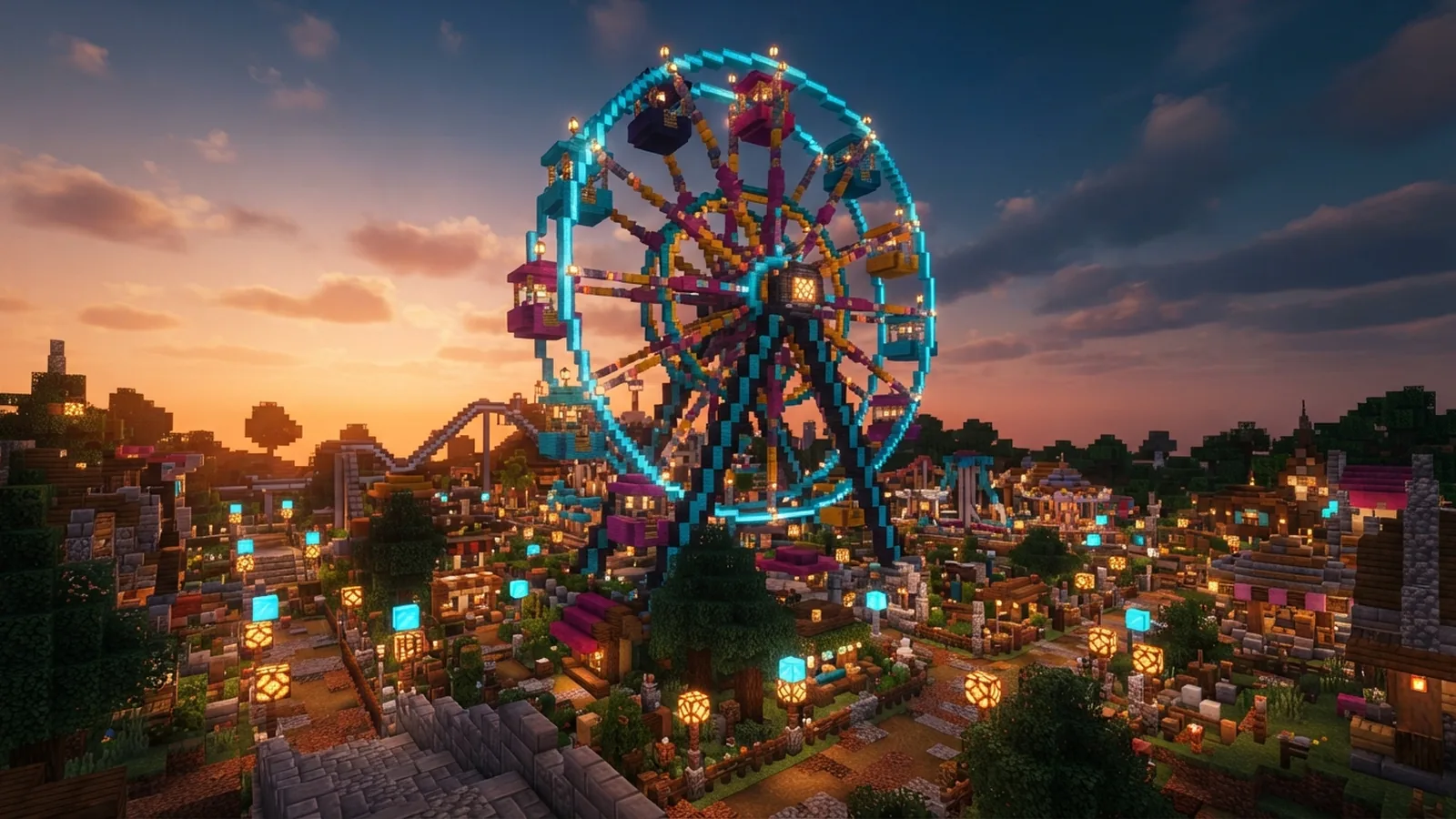
Start With a Simple Minecraft Ferris Wheel Plan
The easiest way to build a ferris wheel in Minecraft is to use a large circle, two supports, and minecarts.
Build the frame first. Add the cars after the shape looks right.
A wheel with a 17-block radius needs about 35 blocks of width. A larger wheel looks better, but it needs more support.
Creative mode makes the first build much faster. Survival mode adds a useful challenge once you know the design.
Keep the wheel near a flat area. Leave at least five blocks around its base for paths and safety rails.
Materials Needed for Construction
Gather the main blocks before you begin. The list below suits a medium wheel with six cars.
- About 250 blocks for the rim and support frame
- 60 blocks for two towers and the center hub
- Six minecarts for passenger cars
- Six short rail tracks for the car platforms
- One stack of glass blocks or glass panes for car walls
- Wood planks, slabs, and stairs for the loading deck
- Lanterns, glowstone, or sea lanterns for lighting
- Fences and signs for paths, gates, and safety rails
- Levers, redstone dust, repeaters, and pistons for effects
- Water buckets for cleanup and basic testing
Wool, concrete, or terracotta can add color to the rim. Use two or three colors for a clean theme.
Choose one block for the frame and one block for the hub. This contrast makes the wheel easy to read.
Rails are optional for a display-only wheel. Minecarts make each car look more complete.
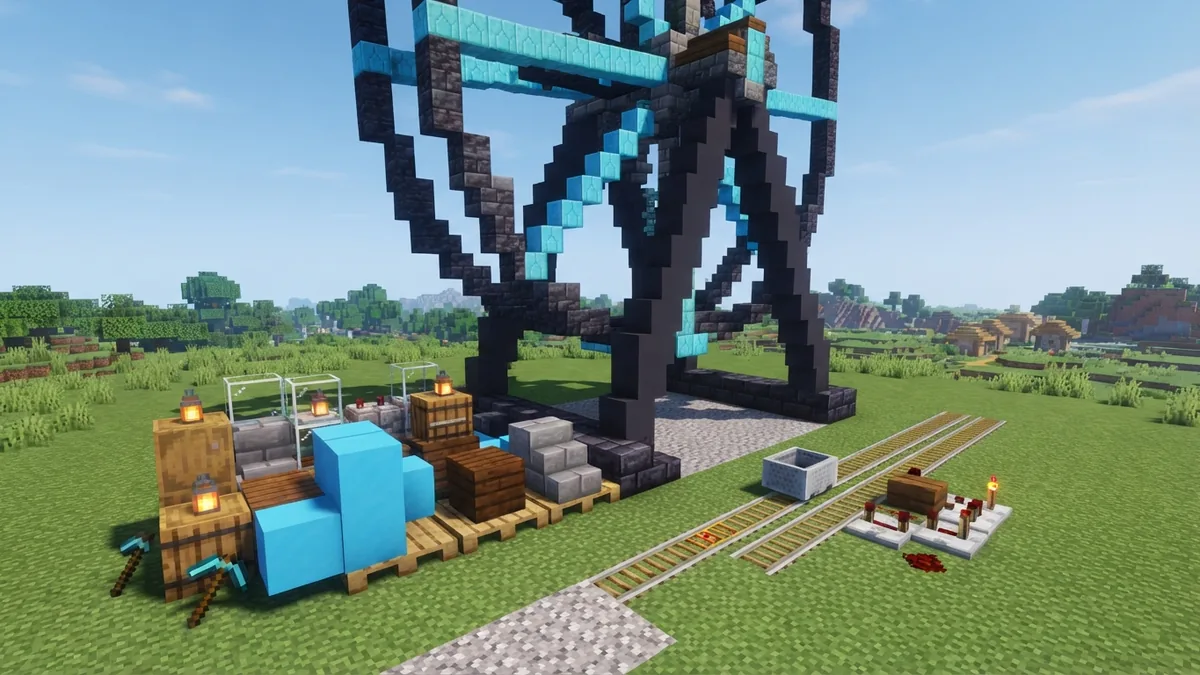
Build the Frame in Clear Stages
1. Mark the center and build the supports
Choose the wheel's center point. Place a temporary block at ground level.
Build two towers on opposite sides of that point. Leave a gap of three blocks between each tower and the wheel.
Make each tower 18 blocks tall for a medium wheel. Add a three-block-wide base to stop the frame from looking thin.
Join the towers with a strong beam near the top. Add another beam at ground level for extra support.
2. Add the hub and wheel outline
Place a five-by-five hub around the center point. Use stairs or slabs to soften its shape.
Mark the rim with temporary blocks. Count outward from the hub in four directions.
For a 17-block radius, place marks 17 blocks north, south, east, and west. Then fill the diagonal points by eye.
Use a circle guide if the curve looks uneven. A smooth outline matters more than perfect symmetry.
3. Fill the rim and spokes
Replace the temporary marks with your main frame blocks. Build a rim two blocks thick.
Add eight spokes from the hub to the rim. Space them evenly around the circle.
Each spoke should be at least two blocks thick. Add a second layer behind the first when the wheel becomes large.
Connect the hub to both towers with short beams. The wheel should appear held between the supports.
4. Add cars and loading platforms
Build six small cars around the rim. Place one car every 60 degrees.
Use a three-by-three platform for each car. Add glass walls and a roof one block higher.
Put one rail track on each platform. Place a minecart on every track.
Keep the cars aligned with the rim. Misaligned cars make the wheel look loose.
Test the whole frame before adding detail. Fix weak spots while you can still reach them.
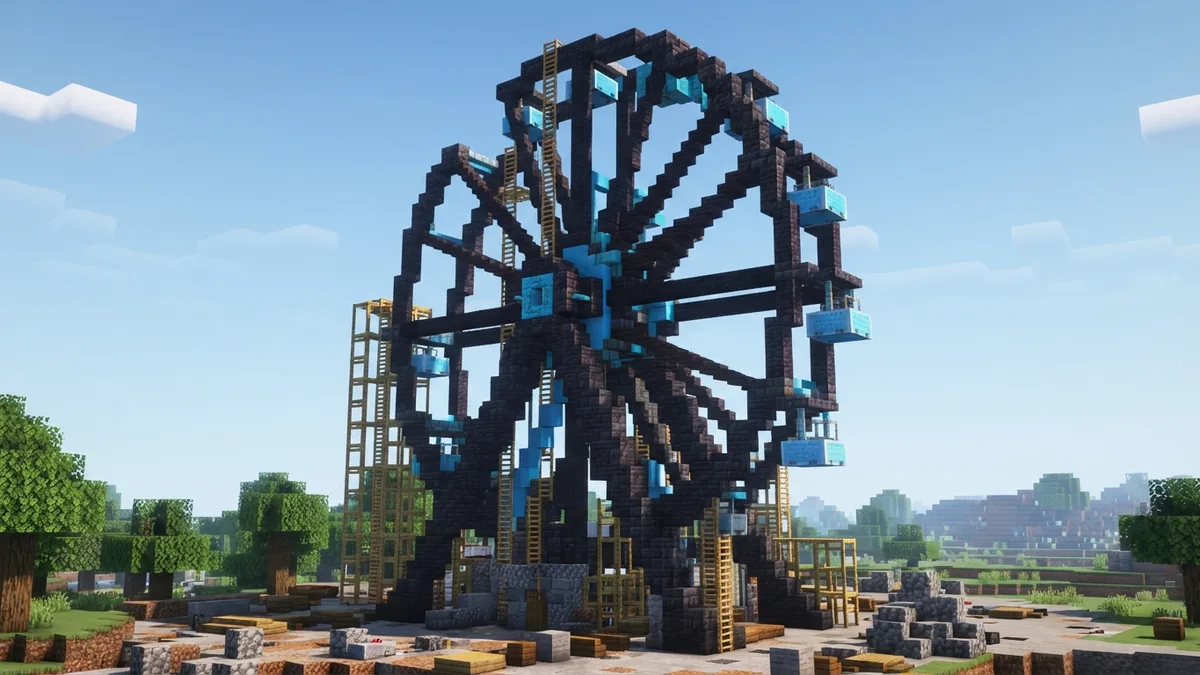
Make the Wheel Strong and Functional
Large circular structures can look unstable without enough support. Use thick towers and a wide base.
Add diagonal braces from each tower to the ground. Two braces per side often give enough visual weight.
Do not let the rim float beside the supports. Connect the hub with beams on both sides.
Build a hidden service path behind one tower. It gives you access to redstone and stuck minecarts.
Redstone cannot rotate a full wheel without a complex machine. It can still create movement and sound effects.
- Use pistons to open a gate when a rider enters.
- Use note blocks for a short ride bell.
- Use dispensers to launch fireworks above the wheel.
- Use redstone lamps to mark each loading bay.
- Use powered rails to move minecarts along short test tracks.
For a moving display, build a piston loop beside the wheel. Let the pistons push colored blocks in sequence.
The motion will suggest a working attraction. It will not turn the full wheel.
Use repeaters to slow the effect. Start with two repeaters set to one tick each.
Test one circuit at a time. Small changes are easier to track than a large hidden circuit.
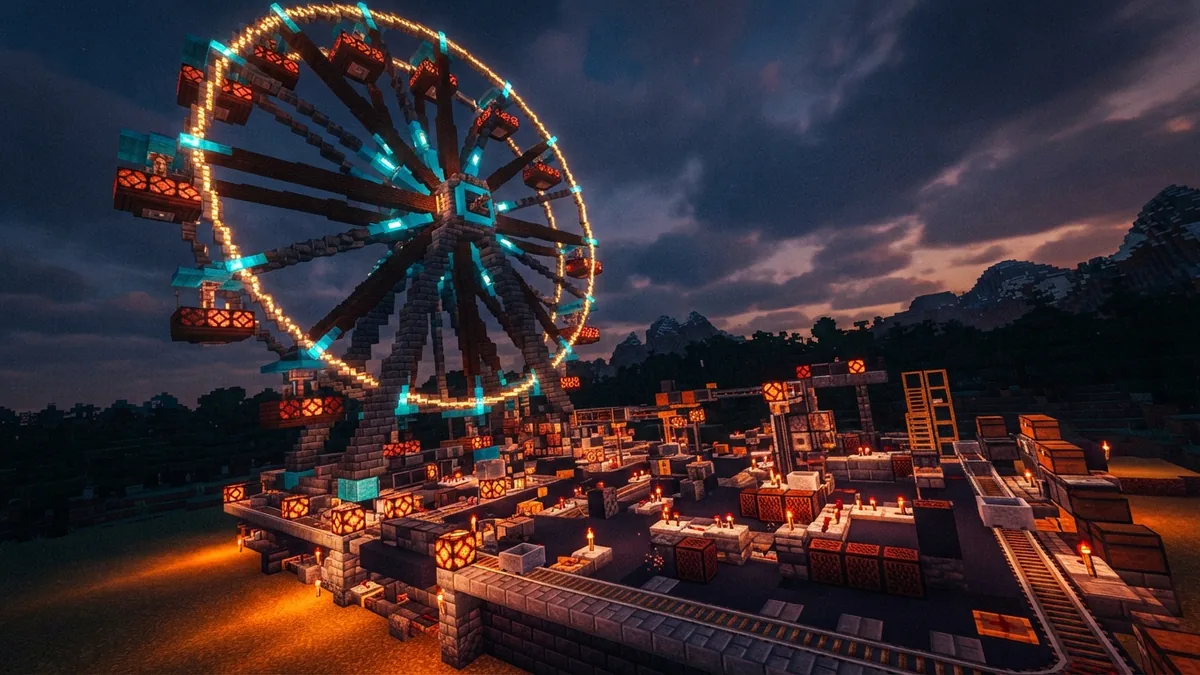
Customize the Ride With a Strong Theme
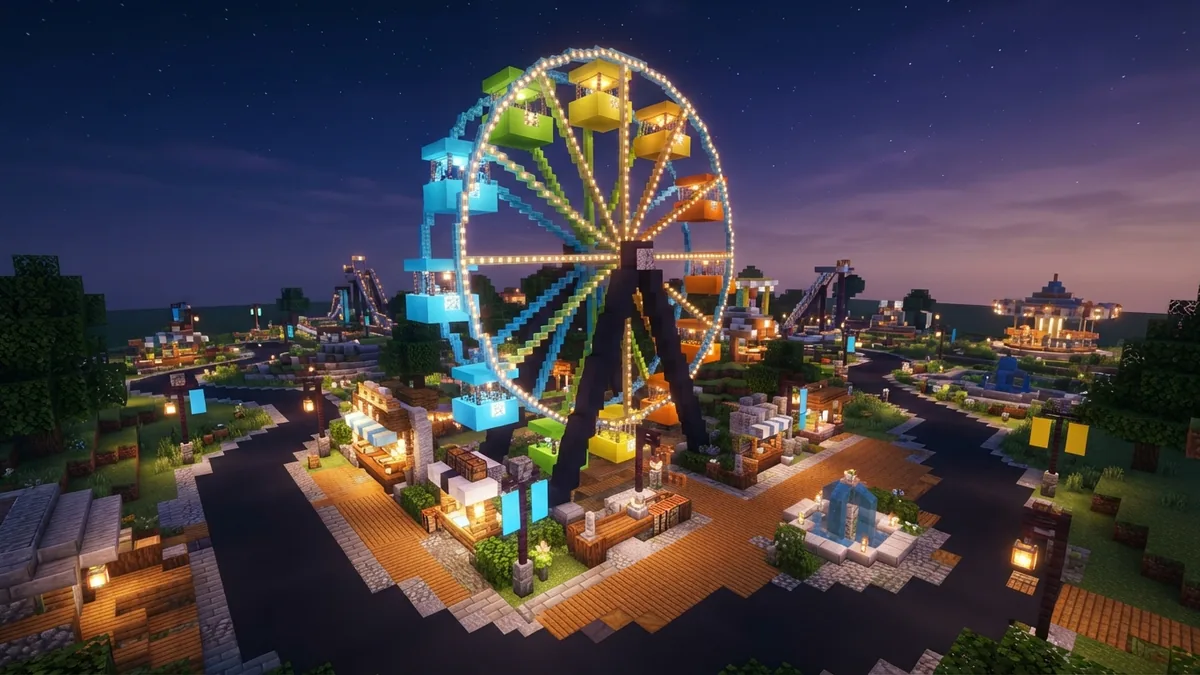
Color gives the wheel a clear identity. A seaside park could use blue, white, and prismarine.
A carnival theme suits red, yellow, and purple wool. A night ride looks good with dark blocks and bright lamps.
Change the car shape to match the theme. Glass domes suit a space ride, while wood cabins suit a frontier park.
Build a small sign tower near the entrance. Add ticket booths, benches, bins, and lamps around the path.
Make the loading deck one block below each car platform. This detail makes boarding seem safer.
- Add banners to each support tower.
- Place fountains near the entrance.
- Build food stalls beside the queue.
- Use colored lamps for each car.
- Add a pond beneath the wheel for a water park theme.
You can also build a smaller children’s wheel nearby. Use a nine-block radius and four cars.
For a dramatic build, place the wheel on a pier or cliff. Add bridges that lead toward the loading area.
Keep the main shape easy to see from far away. Extra detail should frame the wheel, not hide it.
Common Mistakes to Avoid
The most common mistake is starting the rim without marking the center. The circle may drift as you build.
Place a center marker first. Then mark the four main directions before adding curves.
Another mistake is using a thin support frame. A one-block tower can make a large wheel look unsafe.
Use three-block-wide bases and two-block-wide towers. Add braces when the wheel exceeds 25 blocks in diameter.
Many builders place rails before checking the car spacing. Cars then overlap the supports or miss the loading deck.
Finish the rim first. Mark each car position with a temporary block.
Do not hide redstone under the floor too soon. A broken circuit becomes hard to find.
Leave access holes behind the towers. Cover them with trapdoors after testing ends.
Watch for hostile mobs in survival mode. Light the path, platform, and ground below the wheel.
Finally, avoid adding too many colors. Three main colors create a stronger theme than ten random shades.
Showcase the Finished Ferris Wheel
Build a wide path that leads straight to the entrance. Use fences to guide visitors through the queue.
Add a viewing area near the wheel. A raised platform helps other players see the full circle.
Take pictures from three spots. Capture the front, the side, and a high view.
Night shots can show lamps and fireworks. Day shots reveal the shape and block colors.
Share your finished ferris wheel with friends or your Minecraft community. Include the wheel's size, block palette, and build mode.
Ask others to suggest new cars or nearby attractions. Their ideas may inspire a full amusement park.
Keep a copy of the world before major changes. You can test bold designs without losing the finished ride.
Further Ideas for Your Minecraft Theme Park
Once you know how to make a ferris wheel in Minecraft, build a full park around it.
Add a roller coaster, food court, water ride, and game stalls. Use one path system to connect every attraction.
Place the ferris wheel near the park entrance. Its height can act as a landmark for the whole build.
Try a double wheel with two hubs and shared supports. You can also build a half wheel into a city wall.
For a stronger challenge, rebuild the ride in survival mode. Gather every block, light the work area, and test each car.
The best build starts with a clear circle and strong supports. Then add cars, lights, redstone effects, and your own theme.
Step-by-step
- 01 Plan the wheel
Choose a flat site and mark the center. Leave space for supports, paths, and a loading deck.
- 02 Build the supports
Make two thick towers with wide bases. Join them with upper and lower beams.
- 03 Create the circle
Mark the main directions from the center. Build the rim, hub, and evenly spaced spokes.
- 04 Add the cars
Place six small platforms around the rim. Add glass walls, rails, and minecarts.
- 05 Test the build
Check the frame, car spacing, rails, and loading deck. Fix weak points before adding detail.
- 06 Add effects and theme
Install lamps, note blocks, pistons, or dispensers. Finish with colors, paths, stalls, and signs.
Frequently asked questions
- How do you build a ferris wheel in Minecraft?
- Use a large circle for the rim, two strong towers, a center hub, and several spokes. Add minecarts on small platforms around the rim.
- What materials do you need for a Minecraft ferris wheel?
- A medium wheel needs about 250 frame blocks, six minecarts, six short rails, glass, lights, and support blocks.
- Can redstone make a ferris wheel move in Minecraft?
- Redstone cannot easily turn a full wheel. Pistons, lamps, note blocks, and dispensers can create motion, sound, and light effects.
- How do you make a Minecraft ferris wheel stable?
- Use thick towers, wide bases, diagonal braces, and strong beams around the hub. Test the frame before adding cars or detail.
- How do you make a round ferris wheel in Minecraft?
- Use temporary blocks to mark the center, four main directions, spokes, and car positions. This keeps the circle and cars aligned.
- How can you customize and showcase a Minecraft ferris wheel?
- Build an entrance path, queue, lights, stalls, and nearby rides. Take pictures from several angles and share the finished park.
Related reading
How Do You Craft a Pickaxe in Minecraft?
Gather the right materials, place them in the grid, and craft your pickaxe.

How Do You Plant Beetroot in Minecraft?
Find seeds, plant them on tilled soil, and turn beetroot into food, dye, or trades.

How Much Data Does Minecraft Use Per Hour?
Minecraft often uses about 40MB per hour, but servers and updates can use more.