How to Build a Map in Minecraft
Craft a map, chart new ground, and share your world with friends.
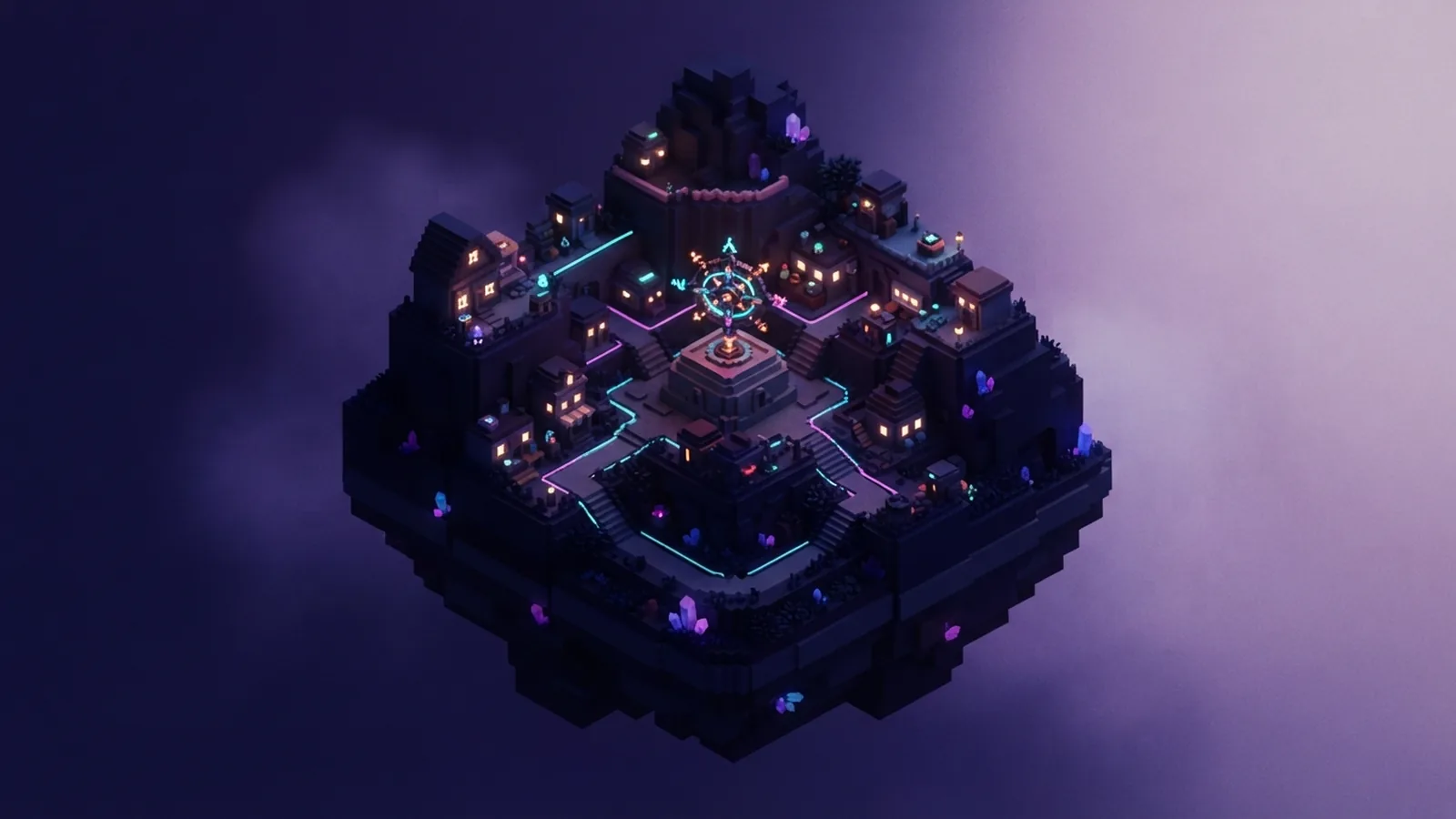
Introduction to building a map
Minecraft maps help you navigate and explore a chosen area. They reveal terrain as you travel, so you can find your way back to a base or mark a route.
If you are looking up how to build a map in Minecraft, start with paper and a compass. The exact recipe can vary by edition and version, so check the in-game recipe book if the craft does not appear.
A map covers a set area of the world. You can explore to fill it in, then change its scale or make copies for display and sharing.
Plan where you want to explore first. That choice helps you pick a useful map scale.
Materials needed
Paper and a compass are the key items for a locator map in many versions. Make paper by placing three sugar cane in a row in a crafting grid. This gives you three paper per craft.
To craft a compass, place one redstone dust in the center of the grid. Put four iron ingots above, below, and beside it. Mine iron ore and smelt it, then mine redstone ore to get the parts.
In Java Edition, a common locator map recipe uses one compass surrounded by eight paper. Some Bedrock recipes use nine paper to make an empty map. That map may not show your position as a marker. Add a compass if your version supports that recipe.
A cartography table helps with later map changes. Craft one with two paper and four wooden planks. Bring extra paper for scaling, and food for longer trips.
- Paper made from sugar cane
- One compass made from iron ingots and redstone
- Extra paper for map scaling
- A cartography table for copying, scaling, or locking maps
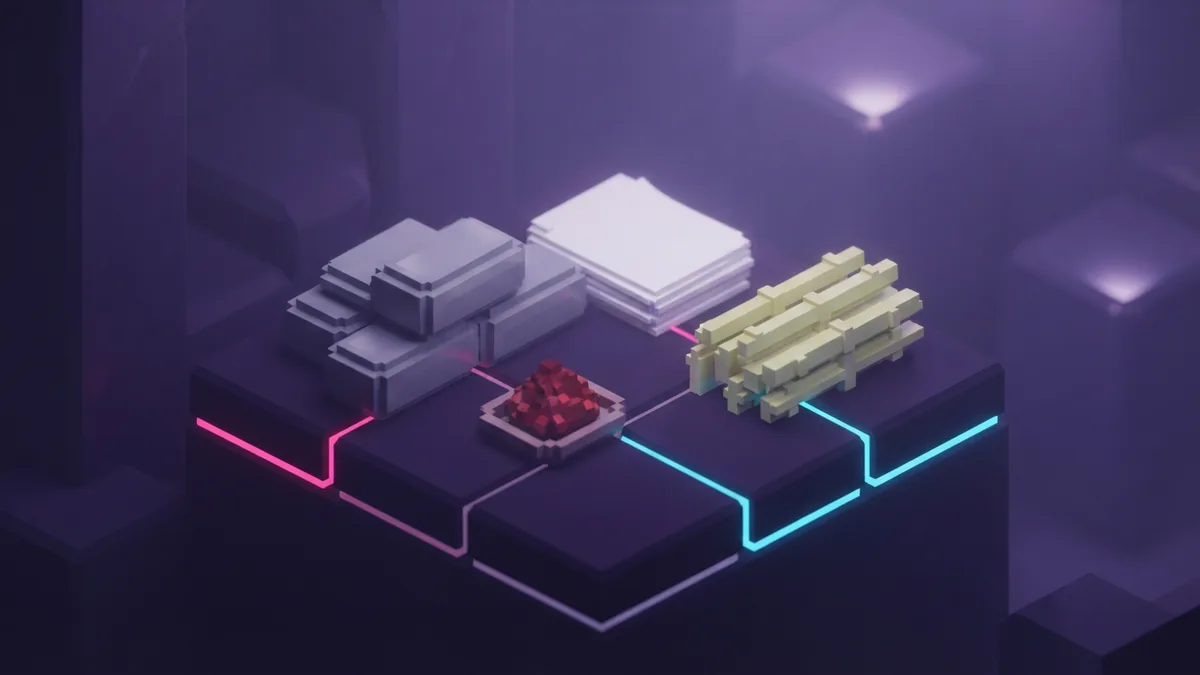
Step-by-step guide to crafting a map
Here is how to build a map in Minecraft using the usual crafting steps. Recipe details can differ, so use the recipe book to check what your edition supports.
- Make paper. Place three sugar cane in a row. Repeat until you have eight paper for the common Java locator map recipe.
- Craft a compass. Put redstone dust in the middle of the grid. Place one iron ingot in each of the four spaces beside it.
- Open the crafting interface. In Java, put the compass in the center and paper in the eight surrounding spaces. In Bedrock, find the map recipe in the recipe book.
- Hold and use the map. Select it in your hotbar and use it in the area you want to chart. The map begins to show nearby terrain.
- Explore blank areas. Travel through the map's unfilled sections while holding it. Keep it handy as you move into new ground.
A map records a fixed patch of the world. If you travel beyond its edge, make a new map for the next area. Consider making a copy before a risky trip.
That copy gives you a backup if the first map is lost.

Best practices for map design
Map scale sets how much land appears in one view. A new map shows a smaller area with more detail. Add paper at a cartography table to zoom out and cover more ground.
Each scale step doubles the length of the area shown on each side. At the widest common scale, one map can cover 2,048 blocks across. Wider views show more land but make small paths and builds harder to spot.
Use a close scale for a town, base, or nearby farms. Choose a wider scale for a long travel route or a large region. You can keep maps at different scales to show both the big picture and key sites.
Maps reveal explored ground, not places you have never visited. If a section is blank, travel through that part of the world while holding the map. A scaled map will not fill itself in.
- Use close views for homes, farms, and paths
- Use wide views for routes and large regions
- Explore with the map held to chart new ground
- Name map copies on an anvil to tell them apart
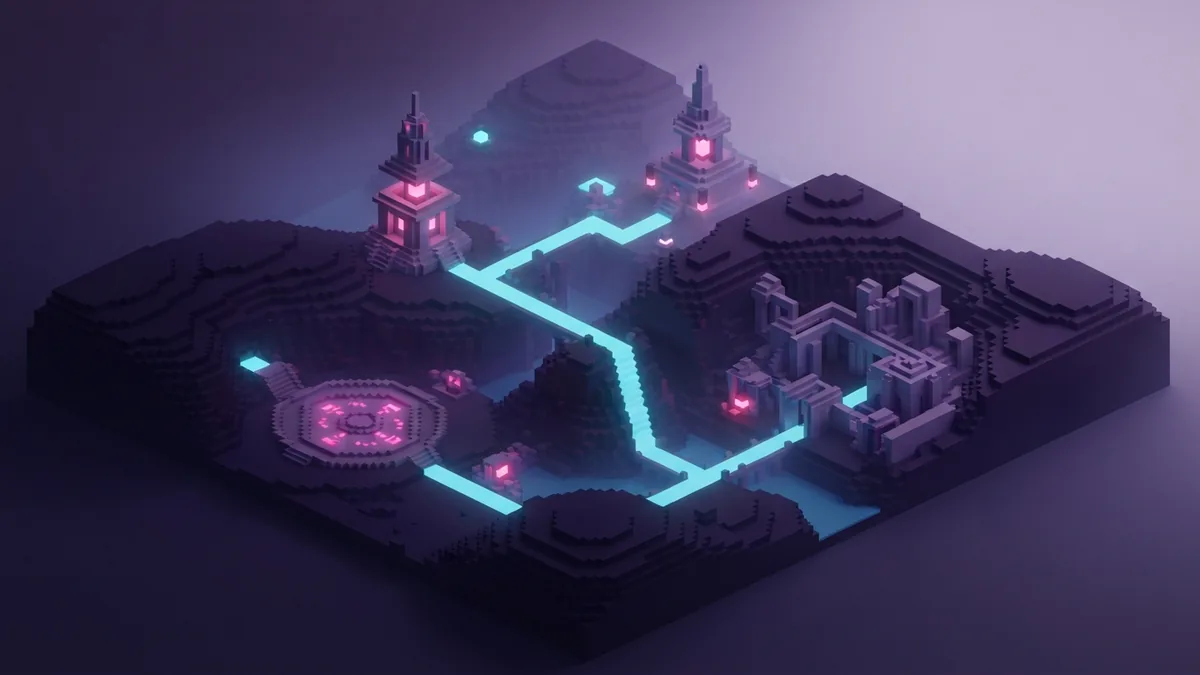
Advanced map features and markers
Markers can help you find a base, village, portal, or mine. In Java Edition, place a banner in the world, then use a map on it. The banner appears as a marker on that map.
Marker options can differ in Bedrock Edition. Check the controls and map features for your version before planning a display. A compass marker can also help you track your location on supported maps.
You can put maps in item frames to build a wall display. Place maps that cover nearby areas side by side, and keep them at the same scale. Line up their edges so the larger region reads as one view.
For a tidy map wall, plan each map's starting area before exploring. Use copies when you want to display a map without risking your travel copy.
How to share your map
In multiplayer, give a map copy to another player. When players explore the same mapped area, they can use the shared map to find routes and landmarks. A copy also helps a group plan where to build.
Use a cartography table to copy a map, then give the spare to a friend. Label copies with an anvil if you keep several versions. Make sure each player has the right map for the area they need.
You can also share the world that contains your map. The method depends on your platform and how you play. Use the game's multiplayer options for an online world, or share a world save through the platform's supported file tools.
World saves can include more than the map itself. Back up the save before moving or sharing it, and only send it to people you trust. For a simple trip, handing over a map copy is usually easier.
A good map starts with the right patch of land. Craft it, explore its edges, then choose a scale and markers that fit your plans.
Step-by-step
- 01 Make paper
Place three sugar cane in a row in a crafting grid. Repeat until you have enough paper for your edition's map recipe.
- 02 Craft a compass
Place redstone dust in the center of the grid and one iron ingot in each adjacent space.
- 03 Craft the map
Use the map recipe shown in your edition's recipe book. Java commonly uses one compass surrounded by eight paper.
- 04 Explore the map area
Hold and use the map as you travel through nearby terrain. Visit blank sections to reveal them.
Frequently asked questions
- How do you build a map in Minecraft?
- Make paper from sugar cane and craft a compass from iron ingots and redstone. Use the map recipe for your edition, then hold the map as you explore.
- What materials do I need to make a Minecraft map?
- Many locator map recipes need paper and a compass. The compass uses four iron ingots and one redstone dust, while paper comes from sugar cane.
- How do I make a map bigger in Minecraft?
- Use a cartography table and add paper to scale the map out. Each scale step covers more land but shows less detail.
- Why is my Minecraft map blank?
- A map only shows ground that you have explored. Hold it while traveling through the area to fill in blank sections.
- Can I share a Minecraft map with another player?
- Yes. Copy the map with a cartography table and give the copy to another player. You can also share the world save using your platform's supported tools.
Related reading

How to Enchant a Sword in Minecraft
Enchant swords with a table or books, then build the right mix on an anvil.
How to Make Chainmail Armor in Minecraft
Chainmail has no Survival recipe. Find it, trade for it, and repair it with an anvil.
How to Get Wheat Seeds in Minecraft
Find seeds in tall grass, plant them near water, then harvest wheat and more seeds.