How Do You Grow Mushrooms in Minecraft?
Plant a mushroom, use bonemeal, and harvest giant mushroom blocks.
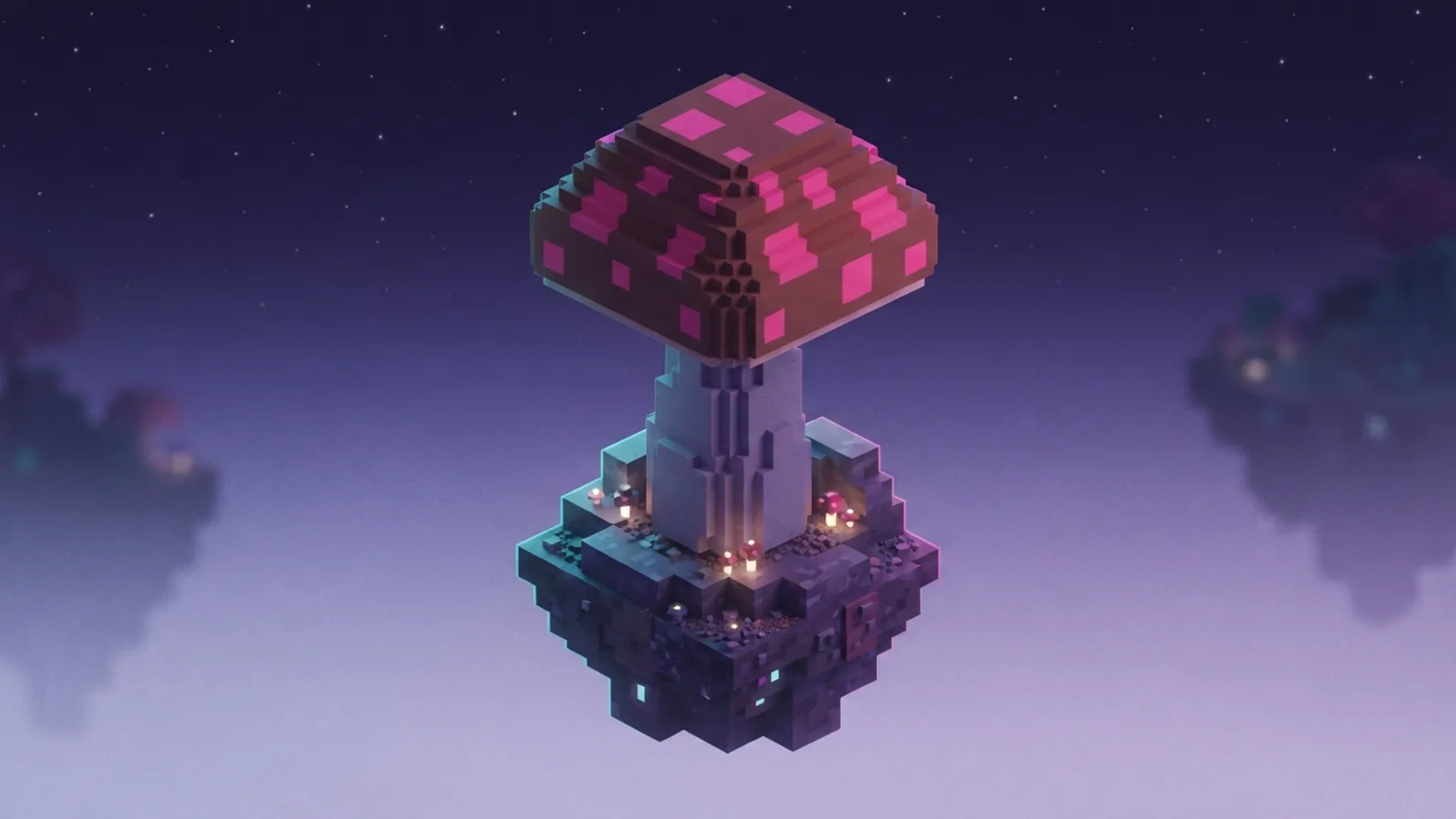
Red and brown mushrooms: what to know
Minecraft has two small mushroom types: red and brown. Both can spread in suitable conditions, and both can grow into huge mushrooms when you use bonemeal.
Each type makes a different giant mushroom. Red mushrooms form a red cap with white spots, while brown mushrooms make a broad brown cap. The blocks have distinct looks, so choose the type that suits your build.
If you are asking how to grow mushrooms in Minecraft, the basic method is simple: plant one, give it room, then apply bonemeal. You do not need a mushroom field biome to grow them.
Where mushrooms grow naturally
You can find mushrooms in several biomes. Dark forests and swamps are useful places to look, since their shaded ground can support mushroom growth. Mushroom fields are another strong source and are easy to spot by their unusual landscape.
Look under trees, in dim areas, and around caves. Mushrooms can also appear in other places, depending on the game version and world conditions. Bring a few home so you can start a farm near your base.
Light matters for small mushrooms. They can stay planted in low light, but high light can make them pop off the block. Keep a small farm shaded, or use a mushroom field where light is less of a concern.

How to grow mushrooms step by step
To grow a mushroom into a giant one, plant it on a valid block, then use bonemeal. Dirt and grass are common choices for a simple setup. Mycelium, podzol, and other suitable blocks can also work.
- Choose a spot. Use a flat area with open space above and around the planting block.
- Plant one mushroom. Place a red or brown mushroom on the chosen block.
- Clear the space. Leave room for the cap and stem to form without nearby blocks getting in the way.
- Apply bonemeal. Use it on the planted mushroom. If growth fails, clear more space and try again.
- Harvest the giant mushroom. Break its blocks to collect smaller mushrooms and mushroom blocks.
For a reliable open build, leave a 7-by-7 area around the stem and at least 13 blocks of clear vertical space. This generous clearance helps avoid blocked growth in a farm or build. Exact space needs can vary with mushroom type and game version.
If the mushroom does not grow, check for blocks above it or beside the planned cap. Bonemeal can be used again after a failed attempt. A roomy, clear plot is easier to manage than a tight indoor farm.

Using bonemeal well
Bonemeal is the key item for making a small mushroom grow into a huge mushroom. Aim at the planted mushroom and use the item. Growth is not guaranteed on every use, so keep extra bonemeal nearby.
Do not confuse giant growth with spreading. A small mushroom may spread slowly when nearby conditions suit it, but bonemeal gives you a direct way to try for a giant form. For a steady mushroom farm, keep some small mushrooms planted and use bonemeal when you want blocks.
If bonemeal does not work, check three things: the mushroom is on a suitable block, the area has enough room, and no nearby structure blocks the cap. Remove obstructions before spending more bonemeal.
Harvesting mushrooms and blocks
Break a giant mushroom to gather its blocks. Some blocks can drop small mushrooms, which you can replant and grow again. Use a tool with Silk Touch if you want to collect mushroom blocks themselves rather than just their usual drops.
Small mushrooms can be harvested by breaking them, then planted elsewhere when conditions allow. Keep a few in reserve instead of using every mushroom for crafting. That gives you a way to restart the farm if you use up your stock.
Plan the harvest around what you need. If you want small mushrooms, break the cap by hand or with a tool that does not have Silk Touch. If you want the blocks for a build, use the right tool and check the drop before clearing the whole structure.
Creative uses for mushroom blocks
Mushroom blocks make striking building pieces. Their bold colors suit roofs, walls, paths, and fantasy-style builds. Brown blocks can add a muted look, while red blocks create a bright focal point.
You can also use mushroom blocks in a composter. Add them to turn spare blocks into compost, or save the blocks for decoration if you need their texture. A farm can support both uses, as long as you keep enough mushrooms to grow the next giant one.
Try mixing mushroom blocks with stone, wood, or other natural blocks. The contrast helps a cap stand out without covering an entire build in one color. Keep a few blocks from each type to test different designs.
Common questions and fixes
Can mushrooms grow without bonemeal?
Yes. Small mushrooms can spread when the game’s conditions allow it, but this takes time. Use bonemeal when you want to try for a giant mushroom right away.
Why will my mushroom not grow?
The area may be too cramped, or nearby blocks may prevent the cap from forming. Clear a wider space and leave plenty of room overhead. Then try bonemeal again.
Do mushrooms need a special biome?
No. Mushroom fields, dark forests, and swamps are good places to find mushrooms, but you can grow them elsewhere. Plant them on a suitable block and manage light and space.
Can I grow a giant mushroom indoors?
Yes, if the room has enough open space. A tall room with a clear area around the stem gives the mushroom room to form. For a safe setup, leave at least 13 blocks of vertical clearance.
Step-by-step
- 01 Choose a planting spot
Pick a flat area with open room above and around it. Use a suitable block such as dirt or grass.
- 02 Plant a mushroom
Place a red or brown mushroom on the block. Keep the farm shaded if you want the small mushroom to stay planted.
- 03 Make room for growth
Clear nearby blocks and leave at least 13 blocks of vertical clearance for a roomy setup.
- 04 Use bonemeal
Apply bonemeal to the mushroom to try to grow a giant mushroom. If it fails, remove obstructions and try again.
- 05 Harvest and replant
Break the giant mushroom for blocks and small mushroom drops. Replant the small mushrooms to start another growth cycle.
Frequently asked questions
- How do you grow mushrooms in Minecraft?
- Plant a red or brown mushroom on a suitable block, such as dirt or grass. Use bonemeal to try to grow it into a giant mushroom, and leave plenty of open space.
- Can you grow mushrooms in Minecraft without a mushroom field?
- Yes. Mushroom fields are not required. You can grow mushrooms in other areas if the block, light, and space conditions are suitable.
- How much space does a giant mushroom need?
- Leave a wide, clear area around the stem and at least 13 blocks of open vertical space for a reliable setup. Nearby blocks can stop growth.
- Why does bonemeal not work on my mushroom?
- The spot may be too cramped, or blocks may obstruct the cap. Clear more space around and above the mushroom, then try bonemeal again.
- Can harvested mushroom blocks grow into new mushrooms?
- Mushroom blocks are mainly building materials and do not replace small mushrooms for planting. Harvest small mushrooms from the giant mushroom, then plant those to grow more.
Related reading

How Do You Find Copper in Minecraft?
Find copper ore, mine it with the right pickaxe, then smelt it into ingots.

How Many Blocks Are in Minecraft?
Learn how block counts, chunks, maps, distance, and fill commands work in Minecraft.

Can Mobile Minecraft Play With PS5?
Mobile and PS5 players can join the same Minecraft world with Bedrock crossplay.